

Owl3D Shift


Owl3D Shift
Ein 3D-Display ohne Brille, das neben deinem Monitor steht. Zieh ein beliebiges Video, Foto oder App-Fenster darauf und sieh zu, wie daraus in Echtzeit 3D wird – ohne Headset, ohne Brille.

Kickstarter „Project We Love“
Wird seit August 2026 ausgeliefert
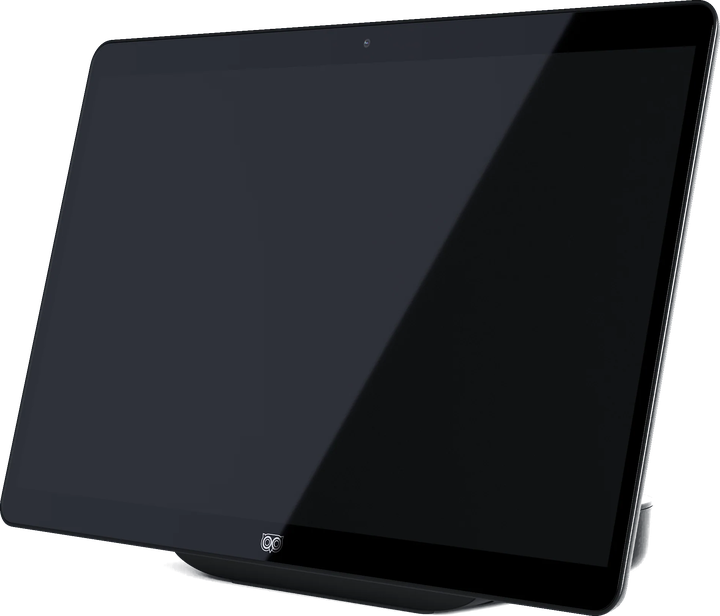
3D in Echtzeit erfordert NVIDIA RTX der Serie 30 oder höher bzw. Apple Silicon M1 Pro oder neuer.
Lieferumfang
Der Owl3D Shift und die Owl3D-App, deren Kernfunktionen du kostenlos und unbegrenzt nutzen kannst.
Eine Kurzanleitung für die Einrichtung liegt bei.
- 1x Mini-HDMI-auf-HDMI-Kabel
- 2x USB-C-Kabel für Video/Strom (DP-Alt-Modus unterstützt)
- 1x USB-C-Netzteil
- 1x Adapter USB-A auf USB-C
Jedes Video, jetzt in 3D.
Zieh ein Videofenster auf den Shift und schau es in 3D. Die Owl3D-App wandelt 2D-Medien in Echtzeit in 3D um – einen Stream von YouTube, eine Serie auf Netflix, eine lokale Datei. Ohne Vorverarbeitung, ohne Wartezeit.
Funktioniert mit dem, was du ohnehin schaust
Streaming, lokale Videos, jedes Browserfenster.
Umwandlung live beim Abspielen
Kein Rendern, kein Export.
Läuft lokal
Die KI verarbeitet deinen Bildschirminhalt auf deiner eigenen GPU.
Vom Bild zum Hologramm.
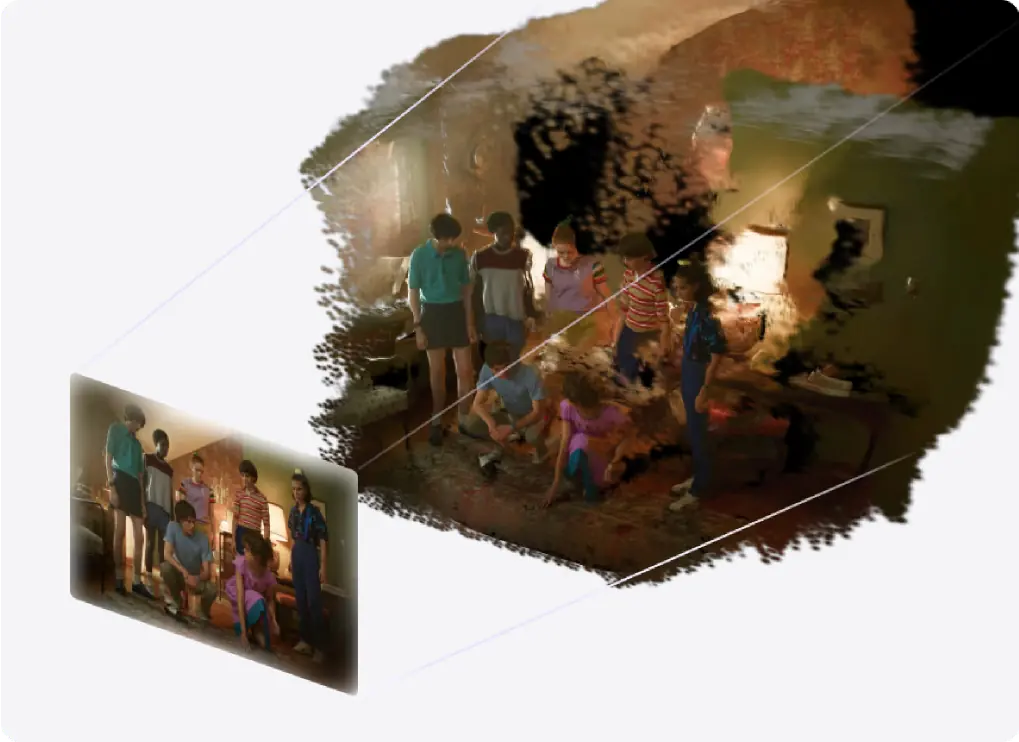
Der 3D Photo Viewer des Shift berechnet aus einem flachen Bild eine räumliche Szene – aus deinen eigenen Fotos, Anime-Artworks, Filmplakaten, Reisemotiven.
Funktioniert mit jedem Bild
Fotos, Artworks, Plakate, Screenshots.
Die Perspektive folgt deinem Kopf
Schau um Motive herum und geh näher heran, um Details zu betrachten.
Plastisch statt verpixelt
Mit 315 PPI bleibt das Bild auch aus der Nähe nahtlos.
Eine räumliche Leinwand für deine Fantasie.
Der Model Viewer des Shift zeigt dein Modell mit realistischem Volumen, korrekten Proportionen und natürlicher Tiefe. Du siehst das Objekt selbst, kein flaches Rendering davon.
Öffnet glTF und 3MF
Mit PBR-Materialien und Animationswiedergabe.
Drehen und prüfen
Dreh das Modell und sieh es dir von allen Seiten an.
Ein echtes Gefühl für Maßstab
Begutachte Produktdesigns, Artworks und räumliche Konzepte.
Spiel die 3D-Dateien ab, die du schon hast.
Öffne deine 3D-Filme, -Fotos und -Videos in deinem gewohnten Mediaplayer, schalte in der Owl3D-App Stereo 3D Playback ein, und der Shift zeigt sie in 3D ohne Brille.
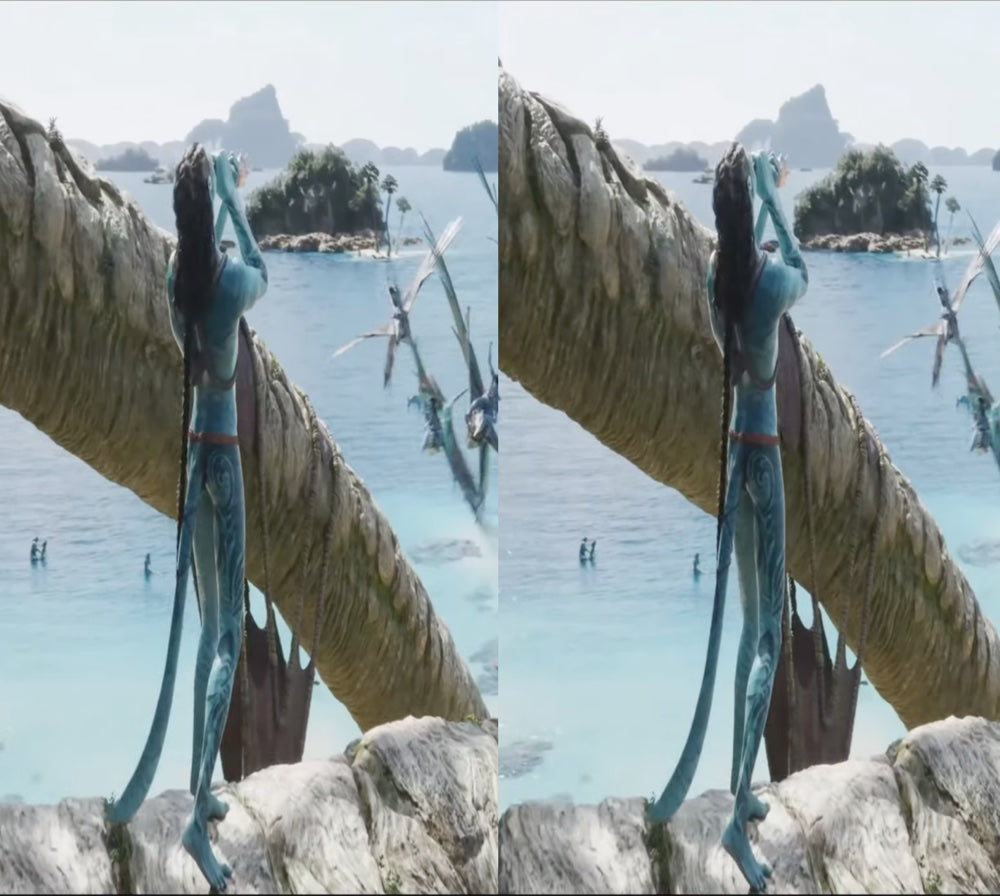
Full-SBS, Half-SBS, Top-Bottom
Die 3D-Dateien, die du schon hast. Für Full-SBS stellst du das Seitenverhältnis des Players auf 16:9.
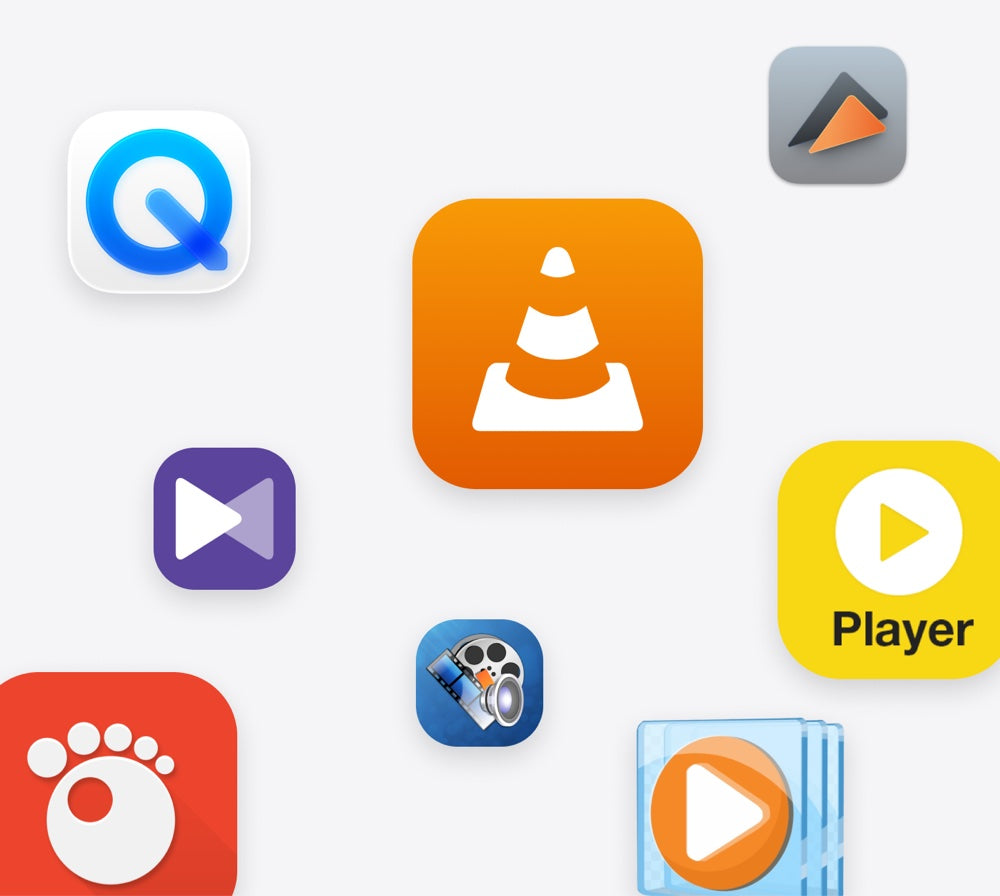
Dein eigener Mediaplayer
Stereo 3D Playback einschalten und abspielen.
Natives 3D läuft auf mehr Rechnern
GTX 1650 oder Radeon RX 570 und höher.
Kundenbewertungen
I started discovering the 3D stereoscopic world about 35 years ago(!). I took VR classes at university, bought 3D cameras, created a VR Youtube channel, etc. Discovering, at first, Owl3D´s desktop app was a revolution! Now, having bought and used the Owld3D Shift ...I´m at a loss for words. A dream made reality! THANK YOU Owl3D team!!!
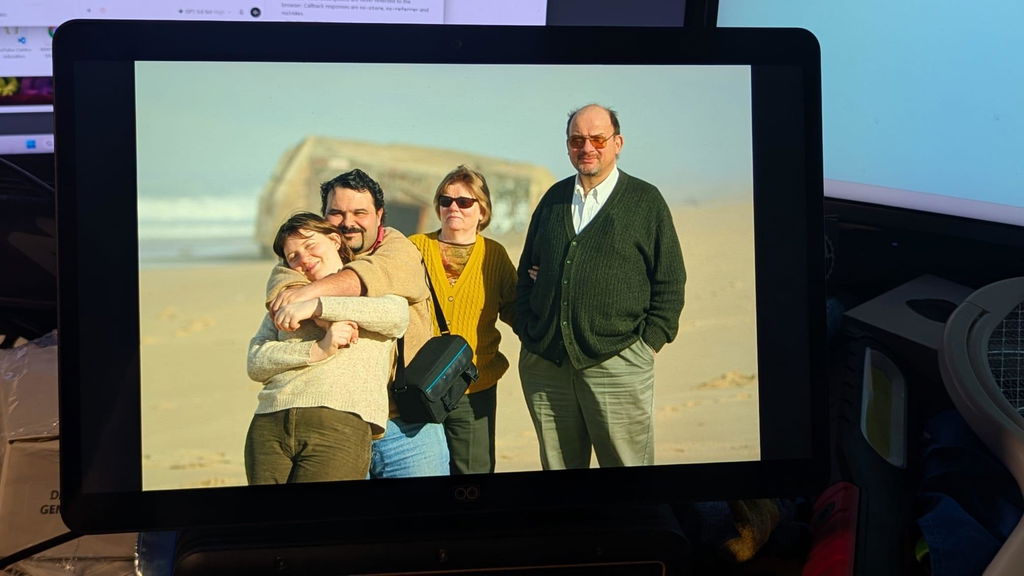
Super cool product! The 3D effect is awesome; though a little hard on the eyes at times. The live 3D is also very impressive for just releasing. I cannot wait to see how it improves with updates!
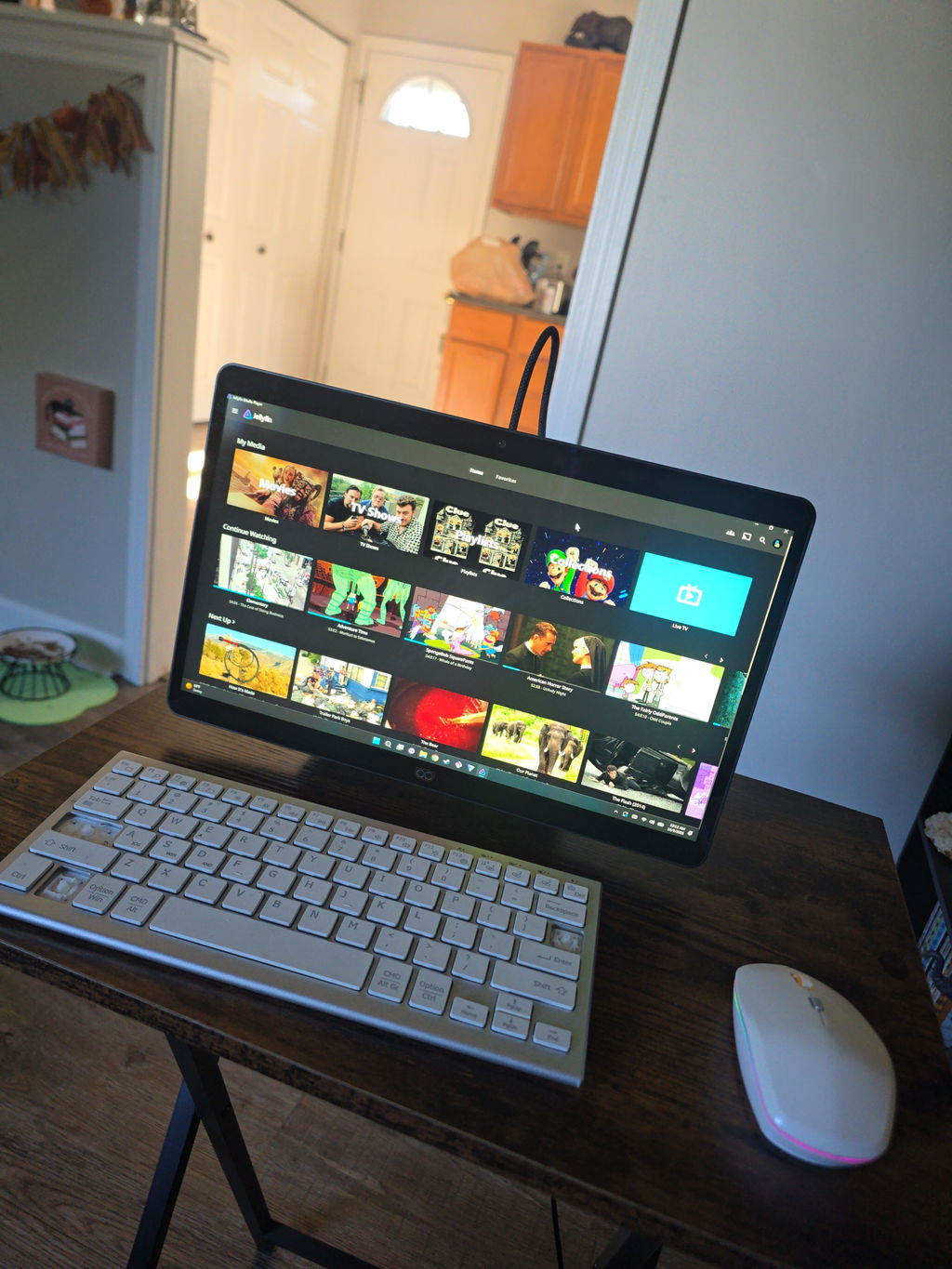
I have been an enthusiastic 3D user since 2012 and have spent many years exploring different 3D technologies, displays, projectors, and software solutions.
After spending several days testing Shift and comparing it with other 3D systems that I use regularly, I can say that Shift has a lot of potential and offers some very unique strengths.
The biggest strength of Shift, in my opinion, is the Shift Screen application. It is currently the feature that impresses me the most and demonstrates the potential of the platform extremely well. Being able to convert almost any content into a convincing 3D experience is a very powerful capability.
Another pleasant surprise was the quality of the 2D-to-3D video conversion. Compared to other solutions I have tested, the 3D image on Shift often appears calmer, more stable, and less flickery. This makes watching videos more comfortable for longer periods of time.
I was also very impressed by Skyrim. The 3D effect looks excellent and the game works very well with Shift. This demonstrates that the platform can deliver a high-quality gaming experience when a title is well supported.
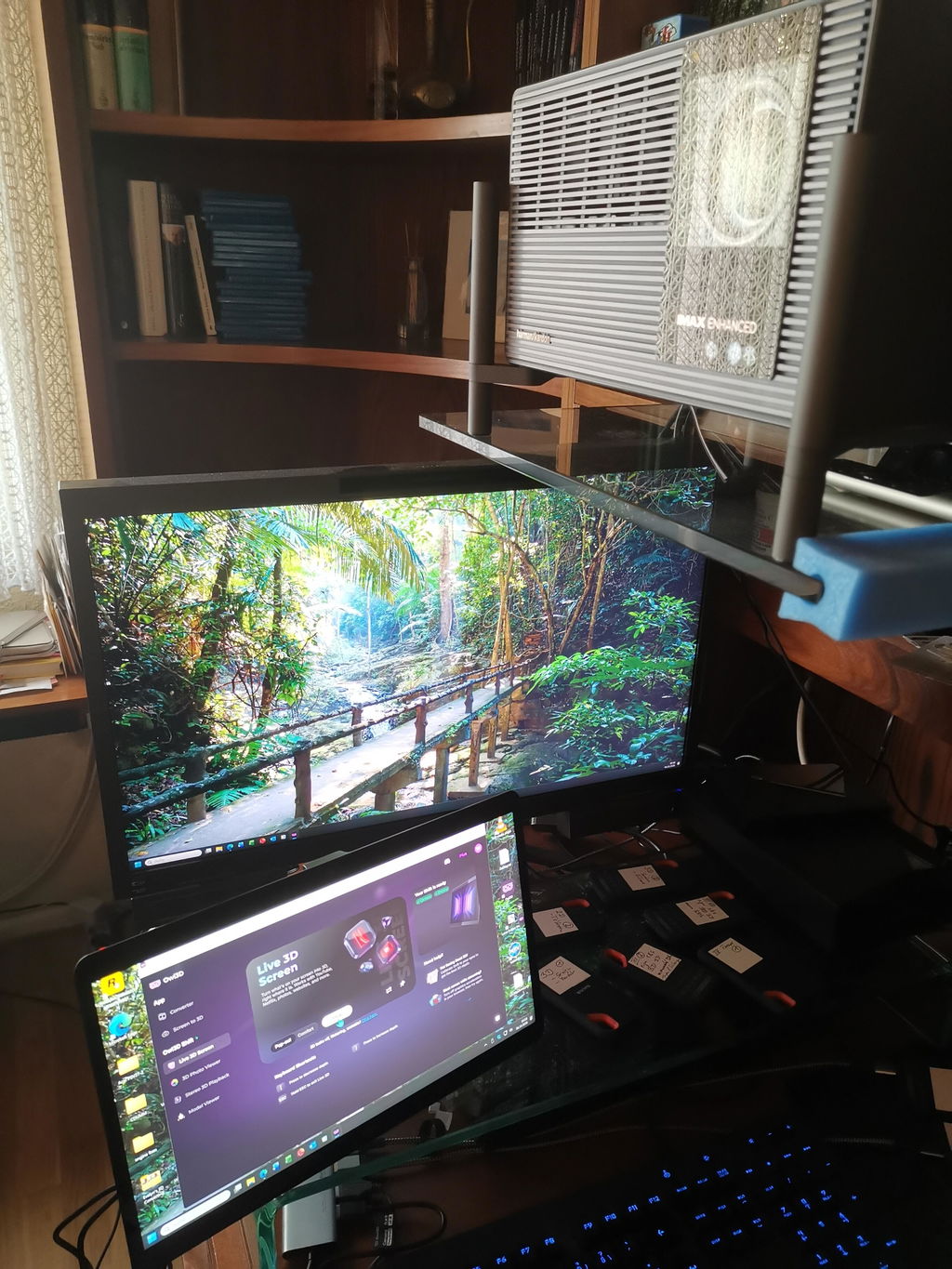
As a long-time 3D enthusiast, one aspect is especially important to me. Thanks to Owl3D and the live screen conversion capabilities, I can watch movies, TV series, nature documentaries, travel reports, and AI-generated videos in real 3D on my XGIMI Titan Noir Max home cinema setup. This is something I greatly appreciate.
While the image on Shift is somewhat sharper due to the display size and resolution, the huge image of a projector creates a fascinating level of immersion. Nature documentaries, travel videos, and AI-generated content can feel very similar to a real 3D cinema experience. In this respect, Shift and Owl3D have significantly enhanced my home cinema experience.
At the moment, I think there is still room for improvement in areas such as software maturity, SBS video playback stability, mouse cursor handling, and support for some modern games. However, I see these mainly as software-related challenges that can continue to improve through future updates.
Overall, I am happy to continue following the development of Shift and Owl3D. I believe the platform already offers a unique and enjoyable 3D experience, especially for video content, desktop 3D conversion, home cinema applications, and selected games.
Thank you for your work and for continuing to develop this technology.
Best regards,
Peter
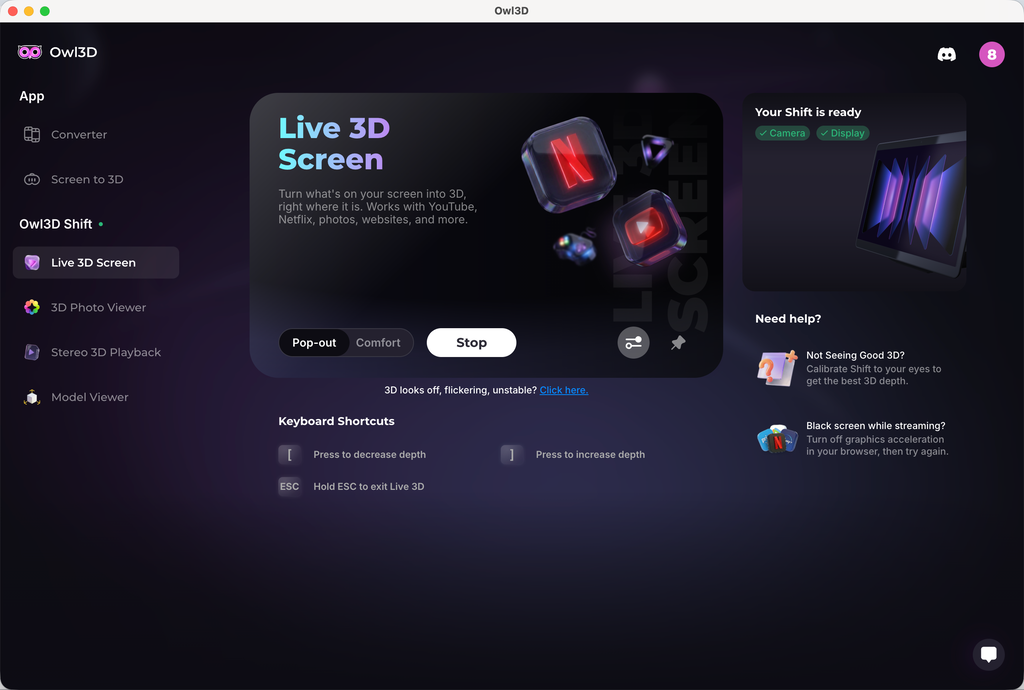
使用体验:
1、 2D 实时转3D 效果并不明显,设备参数如下:
Pop-out 模式
Adjust 3D:increase depth
2、 2D 转 3D 视频画面,物体有很明显的重影,观看的时候有眩晕的感觉
3、头轻轻移动的时候,屏幕有明显的闪动,类似黑影划过
The technology is unique and good. The realtime 2D to 3D conversion is great. It is what I usually use. My regret is I should have gotten a larger screen!
The only issue, that took a star from five to 4 is a shadow of right eye in the picture on the left, and vice versa.
The eye tracking was not so top. In the beginning, as more people came to look at it, and calibration was not done correctly, the was focusing problem. My side error, no star taken.
My live wallpapers is ignored.
After 32" monitor and XR glasses for 3d - the Owl shift 14" feels really small.
It's worth of it's price and I really like the soft. Thank you team for developing it. I was really "heartbroken" after GeForce 3DVision was discontinued.
Hi, thank you for the detailed feedback and your encouragement; it means a lot to us.
On the ghosting between eyes, some crosstalk comes from the lenticular optics themselves, but two things reduce it noticeably. Run the quick calibration from the 'Not seeing good 3D?' prompt in Live 3D, and try Comfort mode. Pop-out pushes more depth and shows more halo as a tradeoff.
If you have any further feedback or other suggestions, we appreciate you sharing them with `support@owl3d.com`. Thank you!
I liked it
Live 3d not good for movies and converting comics via comic read is hit or miss. Even self converting to sbs images does not converge. If you know of a better image sbs read that will convert my own sbs comic conversion, let me know.
Hi! Thank you very much for leaving us feedback. Sorry that your initial experience wasn't as smooth.
For the SBS conversion issue you mentioned in Stereo 3D Playback, set the format to Side-by-side instead of Auto. Auto can miss some SBS stills, and forcing Side-by-side has resolved this for other owners.
A convergence slider for SBS content and a built-in SBS photo and video player are both on our roadmap, so you won't need a third-party viewer for your conversions. For movies, 3D strength and convergence controls are coming to Live 3D so you can tune the effect yourself.
We appreciate your further feedback, and our engineer might contact you by email to learn more details about your experience. Thank you!
3D is awesome. Very little setup, it just works. This feels like the future, no glasses just a screen that looks like you are in the room or if it’s an old family video upscaled or hi resolution you feel like you have just time traveled! If you have a decent GPU or a newer MAC highly recommended!
The display is nice, but the image is not as clear as I hoped - There are vertical lines visible even from a comfortable viewing distance, it feels like looking at a lenticular print. Also - I wish the 3D viewer for native 3D would have more options for viewing formats - mainly full width SBS and cross view images, this way I could easily brose the web and see 3D images in these formats without resorting to download and view on an app like stereo photo maker to resolve the image to the correct format.
I received it two days ago; the screen is better than I expected, and it was worth the long wait.
I just received my Owl3D Shift and I haven't tried all it's options yet. But the live stream 3-D for YouTube videos works extremely well, I think. A great new product for the 3-D community.
waiting for more Mac compatability
3d effect is overall good,but hallucination is sideffect we need to sovle it,then it would be perfect
Very well made device, video looks great and the effects are impressive.
超新穎的技術,期待後續更新,很喜歡,感覺來到新時代的感覺!
Amazing product
I really was impressed with how 3D the image was. And how crystal Clara was? I do unfortunately have an issue with it. Right now, where the driver for the camera is not working correctly. I have contacted support and they're. It's supposed to be pushing out an update for the driver. That'll hopefully fix the issue. I also wish the shift had an actual power button. Because there's times I would like to just be able to turn the monitor off without having to unplug it.
For the most part, I really enjoyed it.
The 3D display isn't very stable, and the image gets distorted if you move your head.
Hi! Thank you very much for leaving us feedback. Sorry that your initial experience wasn't as smooth. The stability issue related to head movement you mentioned has been fixed in our latest 2.3.0 software. Could you give it a try and let us know if the experience has improved? You can download the latest version on our website at www.owl3d.com/shift.
Looking forward to hearing your thoughts on the new version!
Cheers,
Leon
Works very Fine, as expected. My expectation, that the Shift needs only one USB-connection, was Not realized.
Shift in Aktion
Unabhängiger Testbericht
“Das ist eines der coolsten Dinge, die ich je auf einem 3D-Display ohne Brille gesehen habe.”

Vollständiger Testbericht von Josh3D
Demo: der Shift im Einsatz
KI mit Tiefgang. Fortschrittliche Optik.Aus einem Guss.
Sofortige Immersion ohne Headset fühlt sich wie Magie an, ist aber reine Ingenieurskunst. Wir haben unsere bewährte KI-Software mit Präzisionsoptik kombiniert, um ein nahtloses 3D-Erlebnis in hoher Wiedergabetreue zu liefern.
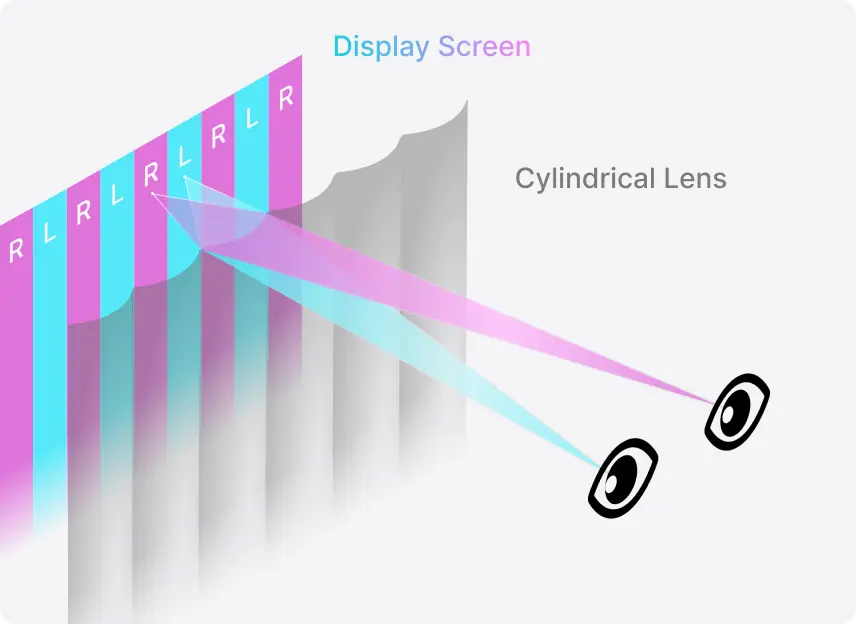
Beweg dich frei. Der 3D-Sweetspot folgt dir.
Der Sichtbereich folgt deinen Augen
Das Eye-Tracking führt den 3D-Sichtbereich nach, wenn du dich auf deinem Stuhl bewegst.
Funktioniert bei 45 bis 100 cm Abstand
Beug dich vor, um Details zu betrachten, oder lehn dich zum Schauen zurück – der Effekt bleibt im gesamten Bereich erhalten.
Gerät und Anschlüsse


Gehäuse
Display
3D

Video
Stromversorgung
Audio
Kamera
FAQ
Was brauche ich, um den Shift zu nutzen?
Die 2D-zu-3D-Umwandlung in Echtzeit erfordert NVIDIA RTX der Serie 30 oder höher bzw. Apple Silicon M1 Pro oder neuer. Für die Wiedergabe von Dateien, die bereits in 3D vorliegen, reicht weniger – eine NVIDIA GTX 1650 oder AMD Radeon RX 570 und höher. Der Shift wird über Mini-HDMI 2.0 oder USB-C (DP-Alt-Modus) angeschlossen.
Brauche ich ein Abo, um den Shift zu nutzen?
Nein. Die Kernfunktionen des Shift sind unbegrenzt nutzbar und erfordern kein Abo: die 2D-zu-3D-Umwandlung in Echtzeit, der 3D Photo Viewer, der Model Viewer und Stereo 3D Playback. Sie alle laufen in der kostenlosen Owl3D-App.
Brauche ich spezielle 3D-Inhalte?
Nein. Gewöhnliche 2D-Videos, Fotos und App-Fenster werden beim Abspielen umgewandelt, ohne dass du vorher etwas vorbereiten musst. Wenn du schon 3D-Dateien hast, laufen sie auch auf dem Shift: Half-SBS und Top-Bottom direkt, Full-SBS mit dem Seitenverhältnis deines Mediaplayers auf 16:9.
Funktioniert er mit Netflix und anderen Streamingdiensten?
Ja, mit einer Einstellung: Für Netflix muss die Hardwarebeschleunigung deines Browsers ausgeschaltet sein. YouTube und lokale Videodateien funktionieren ohne Weiteres.
Können mehrere Personen gleichzeitig schauen?
Der Shift ist ein Display für eine Person. Das Eye-Tracking folgt den Augen einer Person, und nur diese Person sieht das 3D-Bild korrekt. Erkennt die Kamera mehrere Gesichter, wechselt der Shift fließend zwischen ihnen. Du kannst also problemlos jemand anderen schauen lassen – ein Bildschirm für die ganze Gruppe wie ein Fernseher ist der Shift aber nicht.
Wann wird meine Bestellung versendet?
Bestellungen werden innerhalb von 14 Arbeitstagen nach dem Kauf versendet. Deine Karte wird beim Checkout belastet.
Wie sind Garantie und Rückgabe geregelt?
Jeder Shift hat ein Jahr Garantie. Rückgaben sind innerhalb von 14 Tagen nach Lieferung möglich, und der Versand innerhalb der USA ist kostenlos.