

Owl3D Shift


Owl3D Shift
Una pantalla 3D sin gafas que se coloca junto a tu monitor. Arrastra hasta ella cualquier vídeo, foto o ventana de una aplicación y mira cómo se convierte en 3D mientras se reproduce, sin visor ni gafas.

Kickstarter «Project We Love»
Envíos en curso desde agosto de 2026
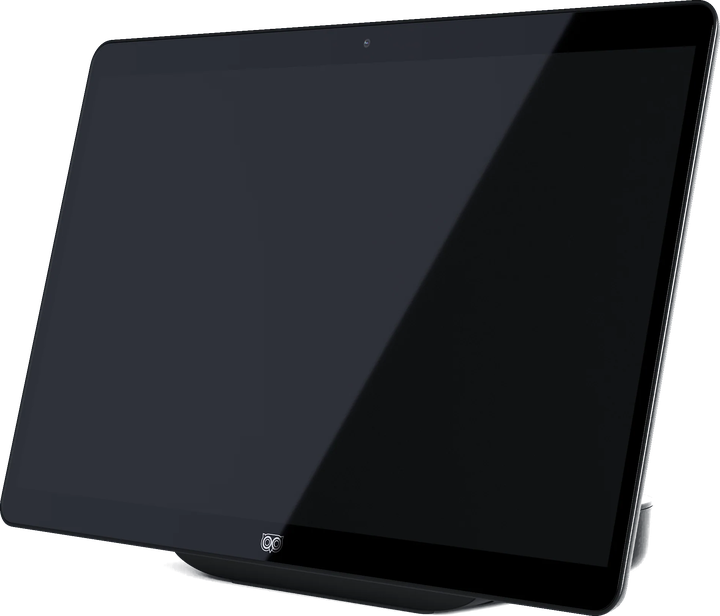
El 3D en tiempo real requiere como mínimo NVIDIA RTX serie 30 o Apple Silicon M1 Pro.
Contenido de la caja
La pantalla Owl3D Shift y el uso gratuito e ilimitado de las funciones principales de la aplicación Owl3D.
En la caja se incluye una guía de inicio rápido para ayudarte con la instalación.
- 1 cable Mini-HDMI a HDMI
- 2 cables USB-C de vídeo/alimentación (compatibles con DP Alt)
- 1 adaptador de corriente USB-C
- 1 adaptador de USB-A a USB-C
Todos los vídeos, ahora en 3D.
Arrastra una ventana de vídeo al Shift y mírala en 3D. La aplicación Owl3D convierte el contenido 2D en 3D en tiempo real: un vídeo en streaming de YouTube, una serie de Netflix, un archivo local. Sin procesamiento previo, sin esperas.
Funciona con lo que ya sueles ver
Streaming, vídeos locales, cualquier ventana del navegador.
Convierte en directo mientras se reproduce
Sin renderizado, sin exportación.
Se ejecuta en local
La IA procesa tu pantalla en tu propia GPU.
De la imagen al holograma.
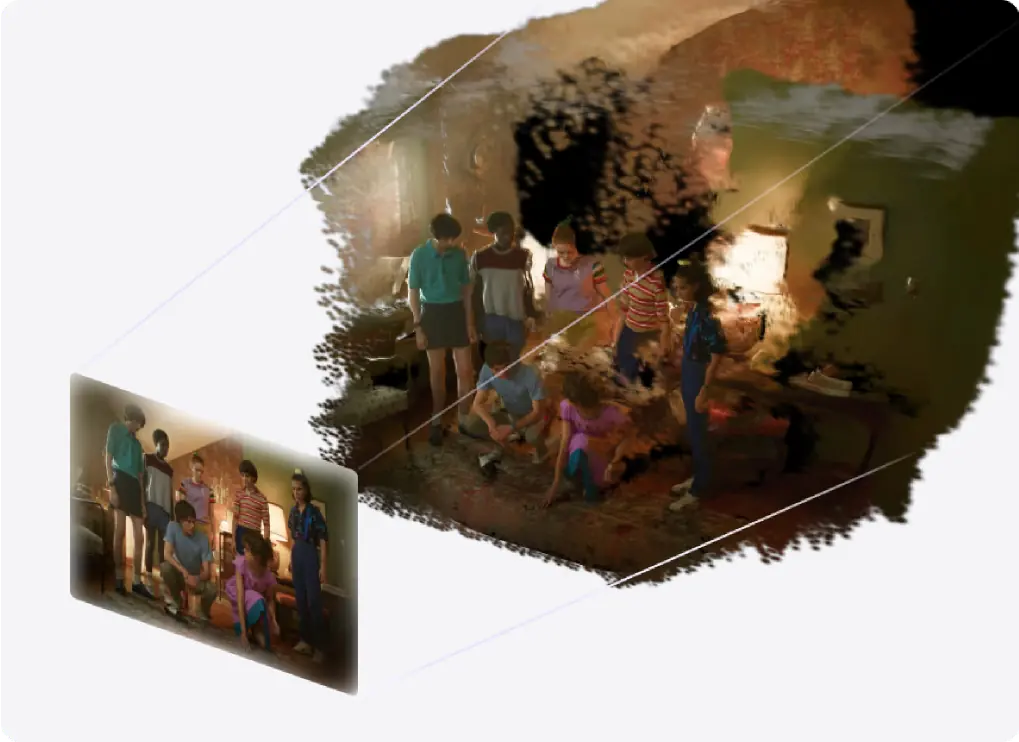
El 3D Photo Viewer del Shift renderiza una imagen plana como una escena volumétrica: tus propias fotos, ilustraciones de anime, carteles de películas, fotos de viajes.
Funciona con cualquier imagen
Fotos, ilustraciones, carteles, capturas de pantalla.
La perspectiva sigue tu cabeza
Asómate a los lados de los sujetos y acércate para ver los detalles.
Sólida, sin pixelado
Un panel de 315 PPI mantiene la imagen continua incluso de cerca.
Un lienzo volumétrico para tu imaginación.
El Model Viewer del Shift muestra tu modelo con un volumen realista, proporciones exactas y profundidad natural. Estás viendo el objeto en sí, no un render plano.
Abre glTF y 3MF
Con materiales PBR y reproducción de animaciones.
Gira y examina
Gira el modelo y revísalo desde todos los ángulos.
Una sensación real de escala
Revisa diseños de producto, obras de arte y conceptos espaciales.
Reproduce los archivos 3D que ya tienes.
Abre tus películas, fotos y vídeos en 3D en tu reproductor multimedia habitual, activa Stereo 3D Playback en la app de Owl3D y el Shift los muestra en 3D sin gafas.
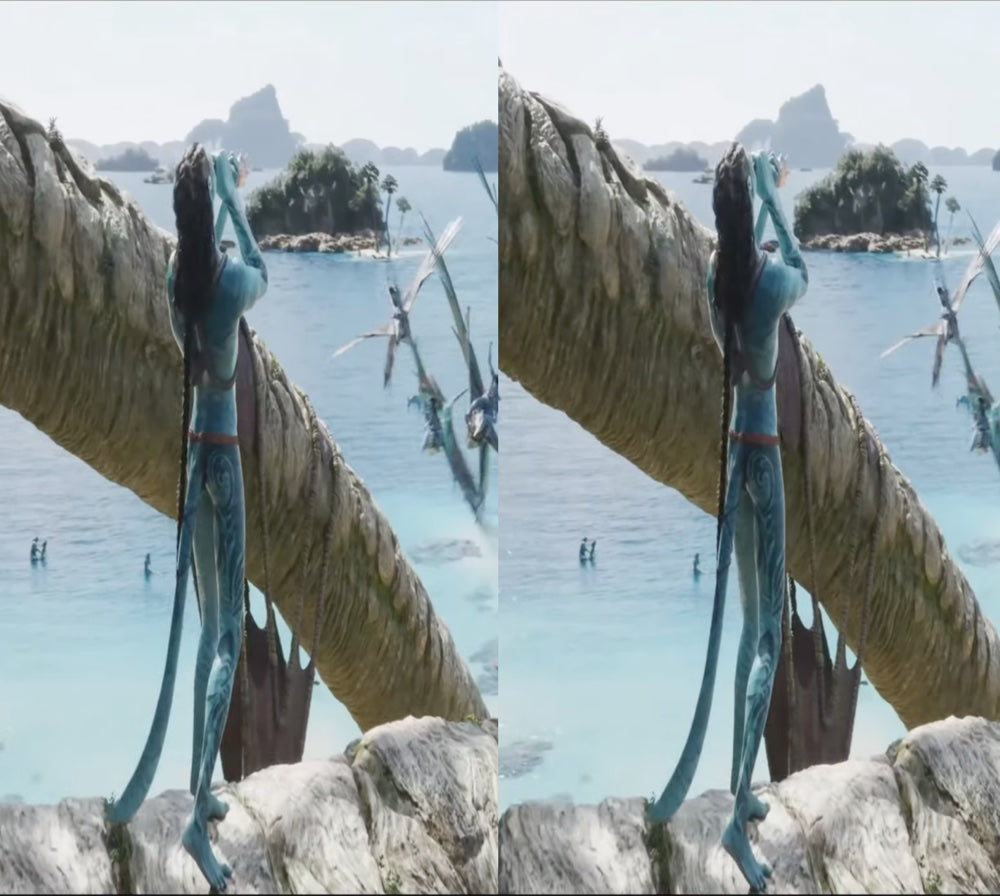
Full-SBS, Half-SBS, Top-Bottom
Los archivos 3D que ya tienes. Para Full-SBS, pon la relación de aspecto del reproductor en 16:9.
Tu propio reproductor multimedia
Activa Stereo 3D Playback y dale a reproducir.
El 3D nativo funciona en más equipos
GTX 1650 o Radeon RX 570 y superiores.
Opiniones de clientes
I started discovering the 3D stereoscopic world about 35 years ago(!). I took VR classes at university, bought 3D cameras, created a VR Youtube channel, etc. Discovering, at first, Owl3D´s desktop app was a revolution! Now, having bought and used the Owld3D Shift ...I´m at a loss for words. A dream made reality! THANK YOU Owl3D team!!!
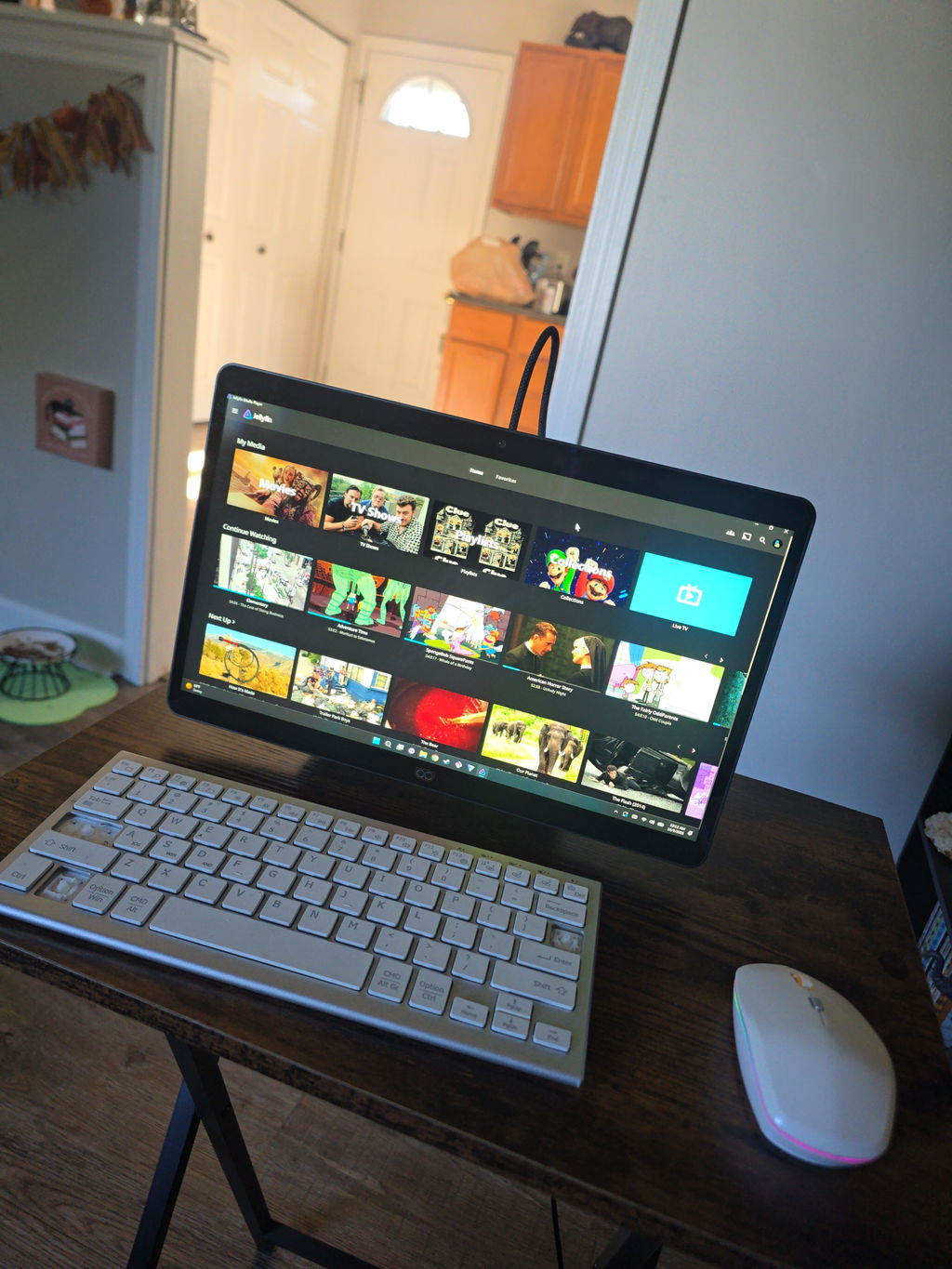
Super cool product! The 3D effect is awesome; though a little hard on the eyes at times. The live 3D is also very impressive for just releasing. I cannot wait to see how it improves with updates!
I have been an enthusiastic 3D user since 2012 and have spent many years exploring different 3D technologies, displays, projectors, and software solutions.
After spending several days testing Shift and comparing it with other 3D systems that I use regularly, I can say that Shift has a lot of potential and offers some very unique strengths.
The biggest strength of Shift, in my opinion, is the Shift Screen application. It is currently the feature that impresses me the most and demonstrates the potential of the platform extremely well. Being able to convert almost any content into a convincing 3D experience is a very powerful capability.
Another pleasant surprise was the quality of the 2D-to-3D video conversion. Compared to other solutions I have tested, the 3D image on Shift often appears calmer, more stable, and less flickery. This makes watching videos more comfortable for longer periods of time.
I was also very impressed by Skyrim. The 3D effect looks excellent and the game works very well with Shift. This demonstrates that the platform can deliver a high-quality gaming experience when a title is well supported.
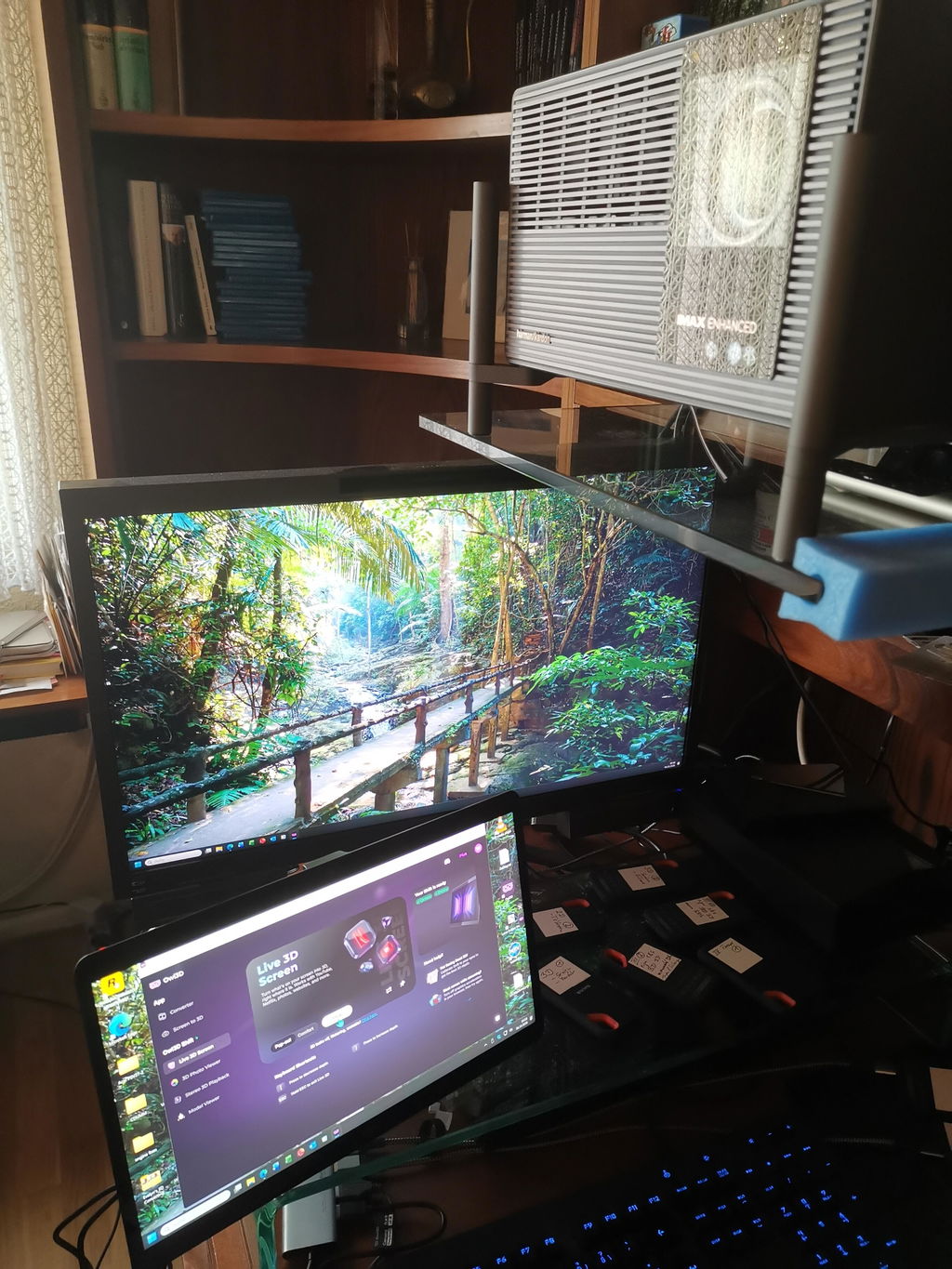
As a long-time 3D enthusiast, one aspect is especially important to me. Thanks to Owl3D and the live screen conversion capabilities, I can watch movies, TV series, nature documentaries, travel reports, and AI-generated videos in real 3D on my XGIMI Titan Noir Max home cinema setup. This is something I greatly appreciate.
While the image on Shift is somewhat sharper due to the display size and resolution, the huge image of a projector creates a fascinating level of immersion. Nature documentaries, travel videos, and AI-generated content can feel very similar to a real 3D cinema experience. In this respect, Shift and Owl3D have significantly enhanced my home cinema experience.
At the moment, I think there is still room for improvement in areas such as software maturity, SBS video playback stability, mouse cursor handling, and support for some modern games. However, I see these mainly as software-related challenges that can continue to improve through future updates.
Overall, I am happy to continue following the development of Shift and Owl3D. I believe the platform already offers a unique and enjoyable 3D experience, especially for video content, desktop 3D conversion, home cinema applications, and selected games.
Thank you for your work and for continuing to develop this technology.
Best regards,
Peter
使用体验:
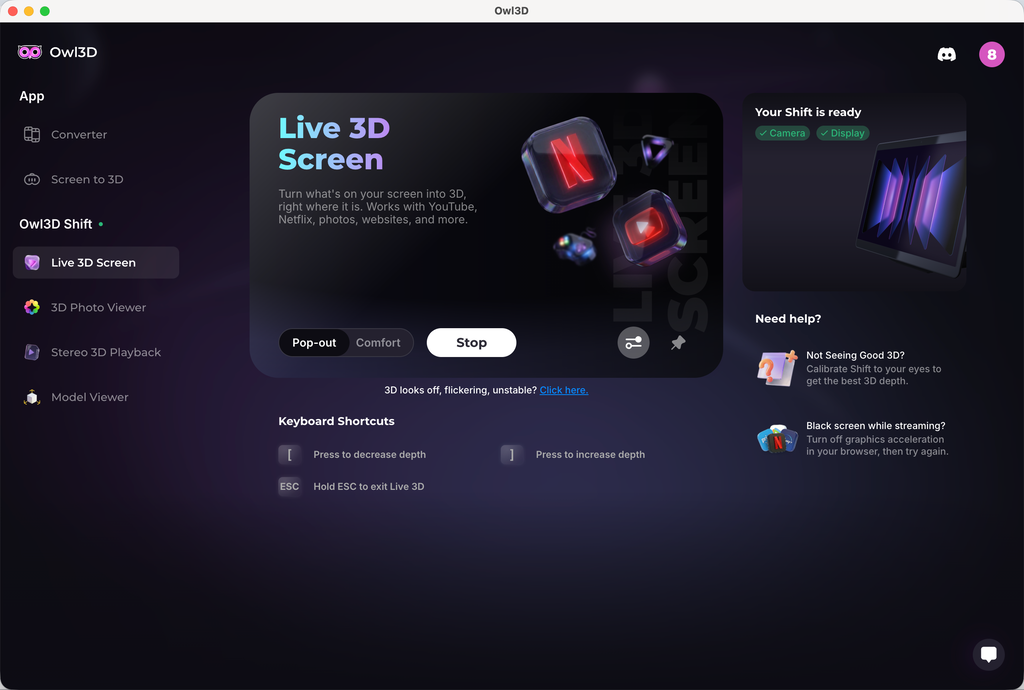
1、 2D 实时转3D 效果并不明显,设备参数如下:
Pop-out 模式
Adjust 3D:increase depth
2、 2D 转 3D 视频画面,物体有很明显的重影,观看的时候有眩晕的感觉
3、头轻轻移动的时候,屏幕有明显的闪动,类似黑影划过
The technology is unique and good. The realtime 2D to 3D conversion is great. It is what I usually use. My regret is I should have gotten a larger screen!
The only issue, that took a star from five to 4 is a shadow of right eye in the picture on the left, and vice versa.
The eye tracking was not so top. In the beginning, as more people came to look at it, and calibration was not done correctly, the was focusing problem. My side error, no star taken.
My live wallpapers is ignored.
After 32" monitor and XR glasses for 3d - the Owl shift 14" feels really small.
It's worth of it's price and I really like the soft. Thank you team for developing it. I was really "heartbroken" after GeForce 3DVision was discontinued.
Hi, thank you for the detailed feedback and your encouragement; it means a lot to us.
On the ghosting between eyes, some crosstalk comes from the lenticular optics themselves, but two things reduce it noticeably. Run the quick calibration from the 'Not seeing good 3D?' prompt in Live 3D, and try Comfort mode. Pop-out pushes more depth and shows more halo as a tradeoff.
If you have any further feedback or other suggestions, we appreciate you sharing them with `support@owl3d.com`. Thank you!
I liked it
Live 3d not good for movies and converting comics via comic read is hit or miss. Even self converting to sbs images does not converge. If you know of a better image sbs read that will convert my own sbs comic conversion, let me know.
Hi! Thank you very much for leaving us feedback. Sorry that your initial experience wasn't as smooth.
For the SBS conversion issue you mentioned in Stereo 3D Playback, set the format to Side-by-side instead of Auto. Auto can miss some SBS stills, and forcing Side-by-side has resolved this for other owners.
A convergence slider for SBS content and a built-in SBS photo and video player are both on our roadmap, so you won't need a third-party viewer for your conversions. For movies, 3D strength and convergence controls are coming to Live 3D so you can tune the effect yourself.
We appreciate your further feedback, and our engineer might contact you by email to learn more details about your experience. Thank you!
3D is awesome. Very little setup, it just works. This feels like the future, no glasses just a screen that looks like you are in the room or if it’s an old family video upscaled or hi resolution you feel like you have just time traveled! If you have a decent GPU or a newer MAC highly recommended!
The display is nice, but the image is not as clear as I hoped - There are vertical lines visible even from a comfortable viewing distance, it feels like looking at a lenticular print. Also - I wish the 3D viewer for native 3D would have more options for viewing formats - mainly full width SBS and cross view images, this way I could easily brose the web and see 3D images in these formats without resorting to download and view on an app like stereo photo maker to resolve the image to the correct format.
I received it two days ago; the screen is better than I expected, and it was worth the long wait.
I just received my Owl3D Shift and I haven't tried all it's options yet. But the live stream 3-D for YouTube videos works extremely well, I think. A great new product for the 3-D community.
waiting for more Mac compatability
3d effect is overall good,but hallucination is sideffect we need to sovle it,then it would be perfect
Very well made device, video looks great and the effects are impressive.
超新穎的技術,期待後續更新,很喜歡,感覺來到新時代的感覺!
Amazing product
I really was impressed with how 3D the image was. And how crystal Clara was? I do unfortunately have an issue with it. Right now, where the driver for the camera is not working correctly. I have contacted support and they're. It's supposed to be pushing out an update for the driver. That'll hopefully fix the issue. I also wish the shift had an actual power button. Because there's times I would like to just be able to turn the monitor off without having to unplug it.
For the most part, I really enjoyed it.
The 3D display isn't very stable, and the image gets distorted if you move your head.
Hi! Thank you very much for leaving us feedback. Sorry that your initial experience wasn't as smooth. The stability issue related to head movement you mentioned has been fixed in our latest 2.3.0 software. Could you give it a try and let us know if the experience has improved? You can download the latest version on our website at www.owl3d.com/shift.
Looking forward to hearing your thoughts on the new version!
Cheers,
Leon
Works very Fine, as expected. My expectation, that the Shift needs only one USB-connection, was Not realized.
Shift en acción
Análisis independiente
“Es una de las cosas más increíbles que he visto nunca en una pantalla 3D sin gafas.”

Análisis completo de Josh3D
Demostración de la experiencia Shift
IA profunda. Óptica avanzada.Creadas como un todo.
La inmersión instantánea sin visor parece magia, pero es pura ingeniería. Hemos combinado nuestro software de IA de eficacia probada con una óptica de precisión para ofrecer una experiencia 3D fluida y de alta fidelidad.
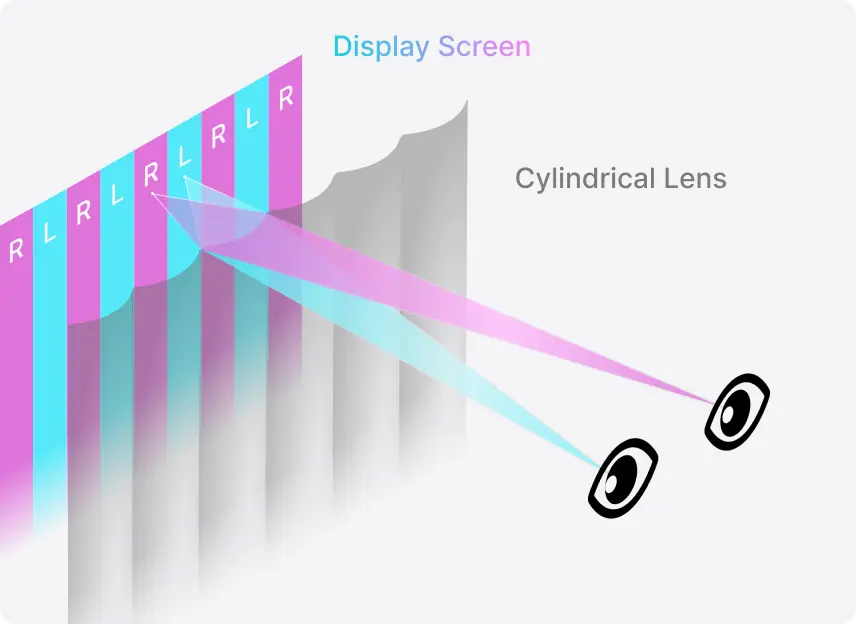
Muévete con libertad. El punto óptimo del 3D te sigue.
La zona sigue tus ojos
El seguimiento ocular mueve la zona de visión 3D cuando cambias de postura en la silla.
Funciona de 45 a 100 cm
Acércate para examinar un detalle o échate hacia atrás para mirar: el efecto se mantiene en todo ese rango.
Dispositivo y conectividad


Cuerpo
Pantalla
3D

Vídeo
Alimentación
Audio
Cámara
Preguntas frecuentes
¿Qué necesito para usar el Shift?
La conversión de 2D a 3D en tiempo real requiere como mínimo una NVIDIA RTX serie 30 o un Apple Silicon M1 Pro. Reproducir archivos que ya están en 3D exige menos: basta una NVIDIA GTX 1650 o una AMD Radeon RX 570, o superiores. El Shift se conecta por Mini-HDMI 2.0 o USB-C (modo DP Alt).
¿Necesito una suscripción para usar el Shift?
No. Las funciones principales del Shift son ilimitadas y no requieren suscripción: la conversión de 2D a 3D en tiempo real, el 3D Photo Viewer, el Model Viewer y Stereo 3D Playback. Todas funcionan en la aplicación gratuita Owl3D.
¿Necesito contenido 3D especial?
No. Los vídeos, las fotos y las ventanas de aplicaciones 2D normales se convierten mientras se reproducen, sin tener que preparar nada antes. Si ya tienes archivos 3D, también se reproducen en el Shift: Half-SBS y Top-Bottom tal cual, Full-SBS con la relación de aspecto de tu reproductor multimedia en 16:9.
¿Funciona con Netflix y otros servicios de streaming?
Sí, con un ajuste: Netflix requiere desactivar la aceleración por hardware del navegador. YouTube y los archivos de vídeo locales funcionan tal cual.
¿Puede verlo más de una persona a la vez?
El Shift es una pantalla para un solo espectador. El seguimiento ocular sigue los ojos de una persona, y solo esa persona ve el 3D correctamente. Cuando hay más de una cara a la vista, el Shift cambia de una a otra con suavidad, así que es fácil cederle el sitio a otra persona, pero no es una pantalla para ver en grupo como un televisor.
¿Cuándo se enviará mi pedido?
Los pedidos se envían en un plazo de 14 días laborables desde la compra. El cargo en tu tarjeta se realiza al finalizar la compra.
¿Qué cubren la garantía y la política de devoluciones?
Cada Shift tiene un año de garantía. Se aceptan devoluciones en un plazo de 14 días desde la entrega, y el envío en EE. UU. es gratuito.