

Owl3D Shift


Owl3D Shift
モニターの横に置いて使う裸眼3Dディスプレイです。動画でも写真でもアプリのウィンドウでも、ドラッグして載せるだけで、再生しながら3Dに変わります。VRゴーグルもメガネもいりません。

Kickstarter「Project We Love」
2026年8月から出荷中
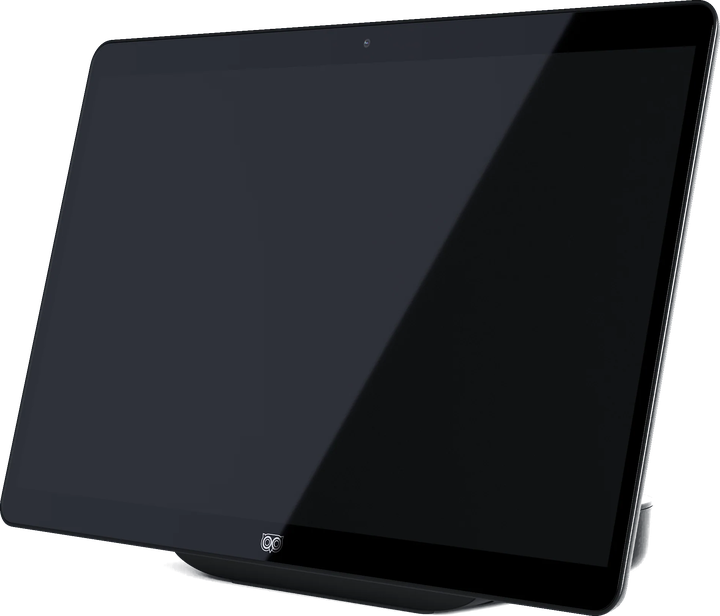
リアルタイム3Dには、NVIDIA RTX 30シリーズ以上、またはAppleシリコンM1 Pro以上が必要です。
同梱物
Owl3D Shift本体に加えて、Owl3Dアプリの主要機能を無料・無制限でお使いいただけます。
セットアップ用のクイックスタートガイドも同梱しています。
- Mini-HDMI - HDMIケーブル × 1
- USB-C映像/電源ケーブル × 2(DP Altモード対応)
- USB-C電源アダプター × 1
- USB-A - USB-C変換アダプター × 1
すべての動画が、いま3Dに。
動画のウィンドウをShiftにドラッグするだけで、3Dで楽しめます。Owl3Dアプリが2Dのメディアをリアルタイムで3Dに変換します。YouTubeの配信でも、Netflixの作品でも、ローカルファイルでも。前処理も待ち時間もありません。
いつも見ているものが、そのまま使えます
配信、ローカルの動画、どのブラウザのウィンドウでも。
再生しながらその場で変換
レンダリングも書き出しも不要です。
ローカルで動作
AIは、お使いのGPU上で画面を処理します。
一枚の画像が、ホログラムに。
Shiftの3D Photo Viewerは、平面の画像を立体的なシーンとして描き出します。ご自身の写真、アニメのイラスト、映画のポスター、旅先の写真。
どんな画像でも使えます
写真、イラスト、ポスター、スクリーンショット。
頭の動きに合わせて視点が変わります
被写体を回り込むように眺めたり、顔を近づけて細部を確かめたりできます。
ドットが目立たない、実体感のある映像
315 PPIのパネルなので、近くで見ても画素が目立たず、なめらかです。
想像力を広げる、立体のキャンバス。
ShiftのModel Viewerは、リアルな量感、正確なプロポーション、自然な奥行きでモデルを表示します。見ているのは平面のレンダリングではなく、その物体そのものです。
glTFと3MFに対応
PBRマテリアルとアニメーション再生にも対応しています。
回転させて、細部まで確認
モデルを回して、あらゆる角度から確かめられます。
実物のようなスケール感
製品デザイン、アート作品、空間コンセプトの確認に。
お手持ちの3Dファイルを再生。
3D映画や写真、動画をいつものメディアプレーヤーで開き、Owl3DアプリでStereo 3D Playbackをオンにすれば、Shiftがメガネなしの3Dで映し出します。
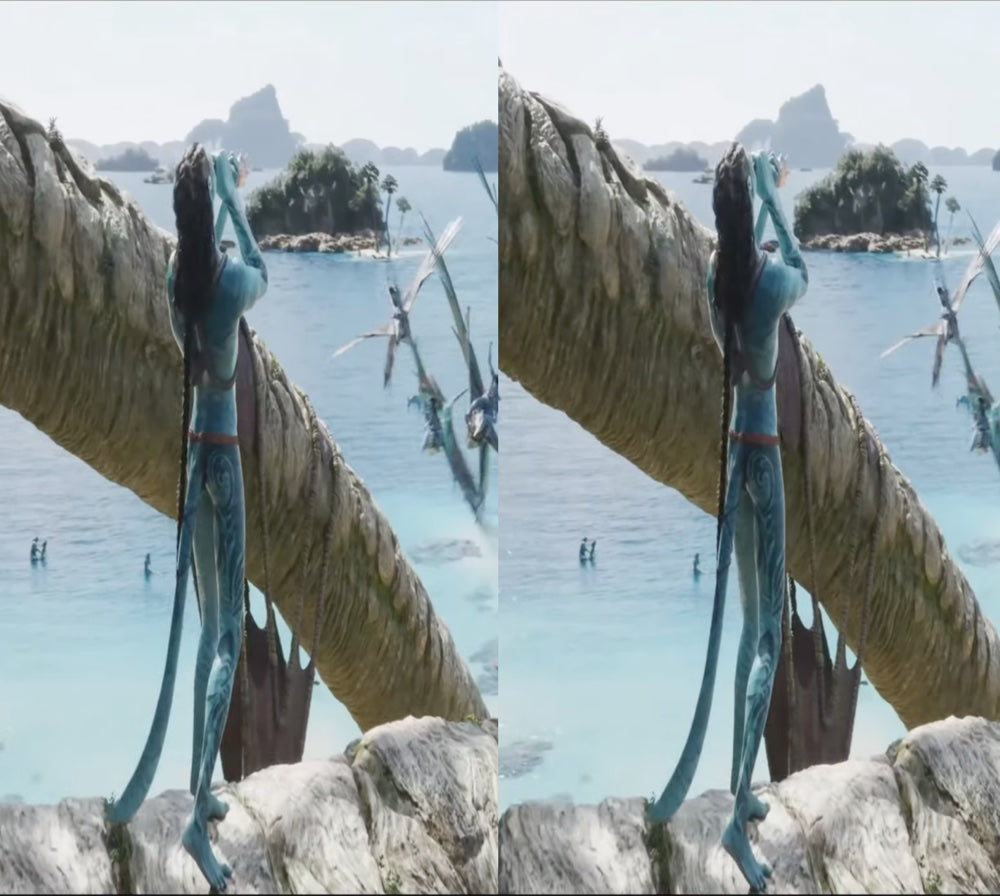
Full-SBS、Half-SBS、Top-Bottom
お手持ちの3Dファイルを。Full-SBSは、プレーヤーの画面比率を16:9に設定してください。
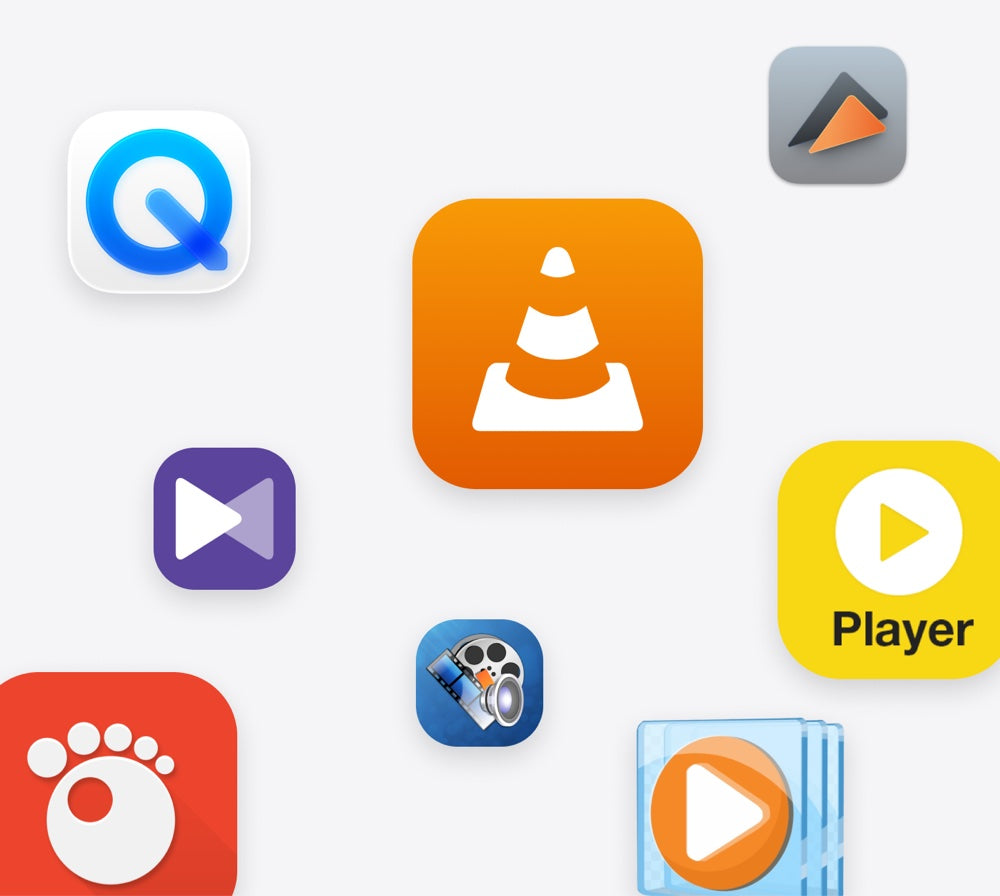
いつものメディアプレーヤーで
Stereo 3D Playbackをオンにして再生するだけ。
ネイティブ3Dは、より多くのPCで動作
GTX 1650またはRadeon RX 570以上。
カスタマーレビュー
I started discovering the 3D stereoscopic world about 35 years ago(!). I took VR classes at university, bought 3D cameras, created a VR Youtube channel, etc. Discovering, at first, Owl3D´s desktop app was a revolution! Now, having bought and used the Owld3D Shift ...I´m at a loss for words. A dream made reality! THANK YOU Owl3D team!!!
Super cool product! The 3D effect is awesome; though a little hard on the eyes at times. The live 3D is also very impressive for just releasing. I cannot wait to see how it improves with updates!
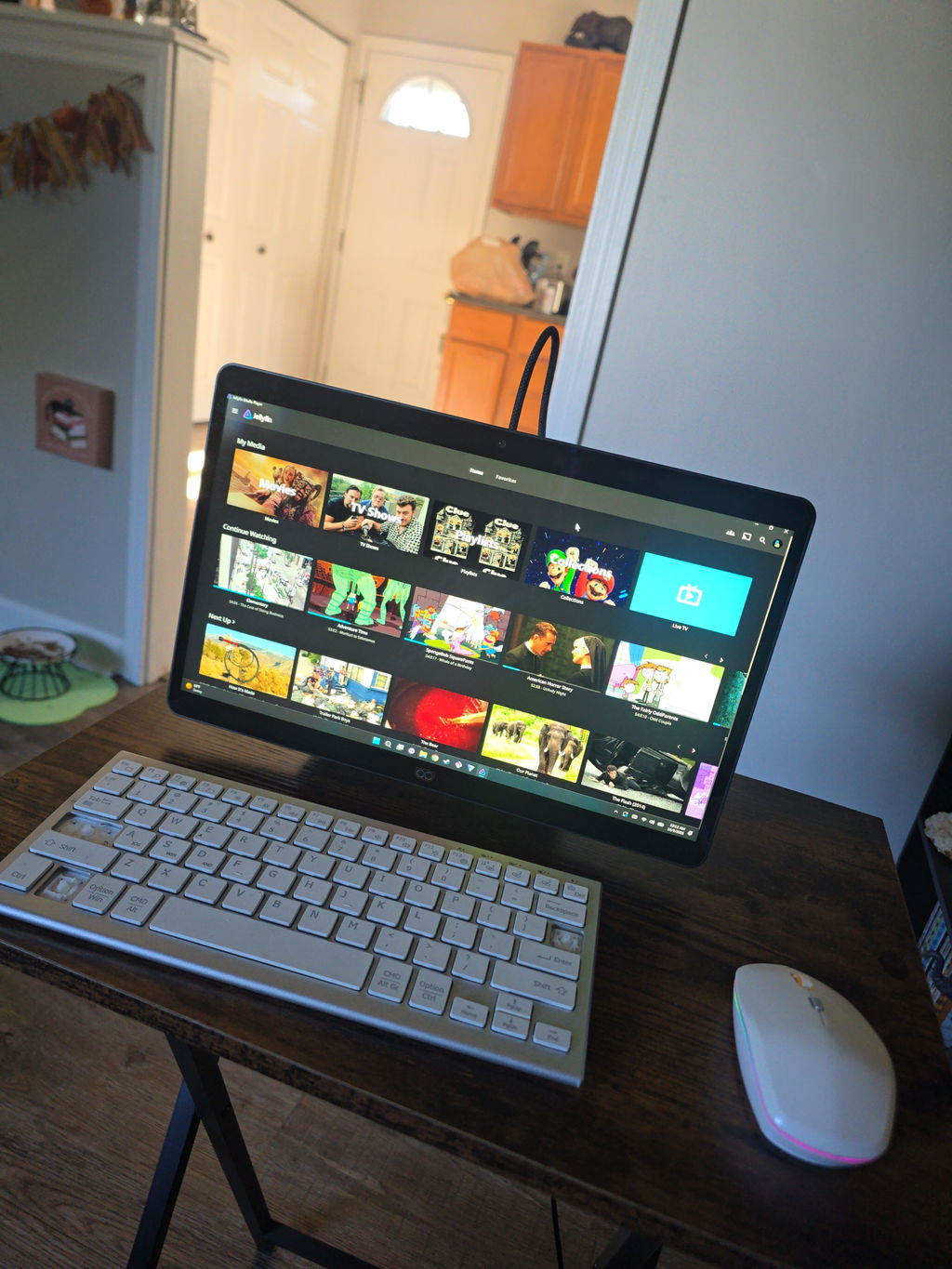
I have been an enthusiastic 3D user since 2012 and have spent many years exploring different 3D technologies, displays, projectors, and software solutions.
After spending several days testing Shift and comparing it with other 3D systems that I use regularly, I can say that Shift has a lot of potential and offers some very unique strengths.
The biggest strength of Shift, in my opinion, is the Shift Screen application. It is currently the feature that impresses me the most and demonstrates the potential of the platform extremely well. Being able to convert almost any content into a convincing 3D experience is a very powerful capability.
Another pleasant surprise was the quality of the 2D-to-3D video conversion. Compared to other solutions I have tested, the 3D image on Shift often appears calmer, more stable, and less flickery. This makes watching videos more comfortable for longer periods of time.
I was also very impressed by Skyrim. The 3D effect looks excellent and the game works very well with Shift. This demonstrates that the platform can deliver a high-quality gaming experience when a title is well supported.
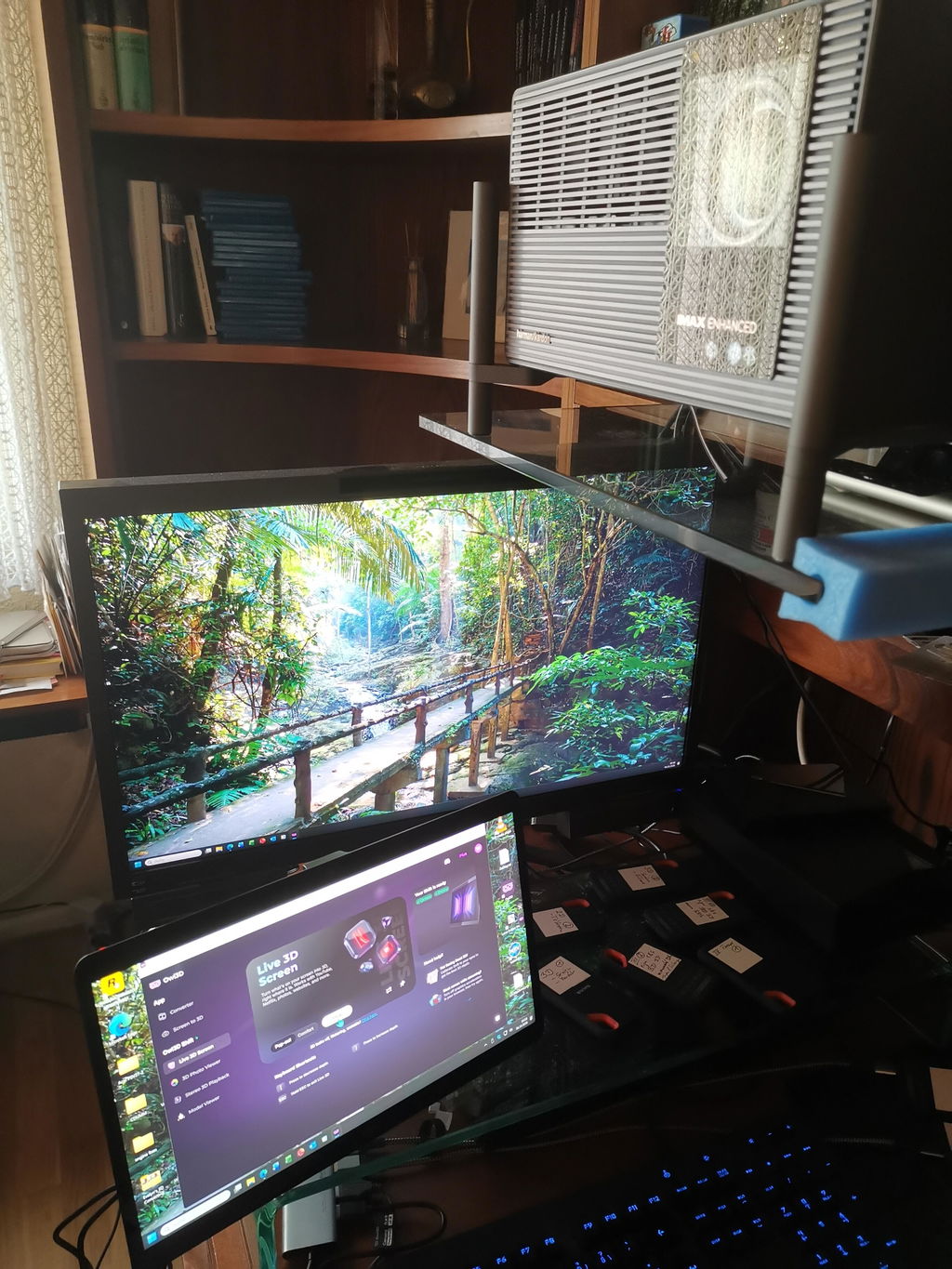
As a long-time 3D enthusiast, one aspect is especially important to me. Thanks to Owl3D and the live screen conversion capabilities, I can watch movies, TV series, nature documentaries, travel reports, and AI-generated videos in real 3D on my XGIMI Titan Noir Max home cinema setup. This is something I greatly appreciate.
While the image on Shift is somewhat sharper due to the display size and resolution, the huge image of a projector creates a fascinating level of immersion. Nature documentaries, travel videos, and AI-generated content can feel very similar to a real 3D cinema experience. In this respect, Shift and Owl3D have significantly enhanced my home cinema experience.
At the moment, I think there is still room for improvement in areas such as software maturity, SBS video playback stability, mouse cursor handling, and support for some modern games. However, I see these mainly as software-related challenges that can continue to improve through future updates.
Overall, I am happy to continue following the development of Shift and Owl3D. I believe the platform already offers a unique and enjoyable 3D experience, especially for video content, desktop 3D conversion, home cinema applications, and selected games.
Thank you for your work and for continuing to develop this technology.
Best regards,
Peter
使用体验:
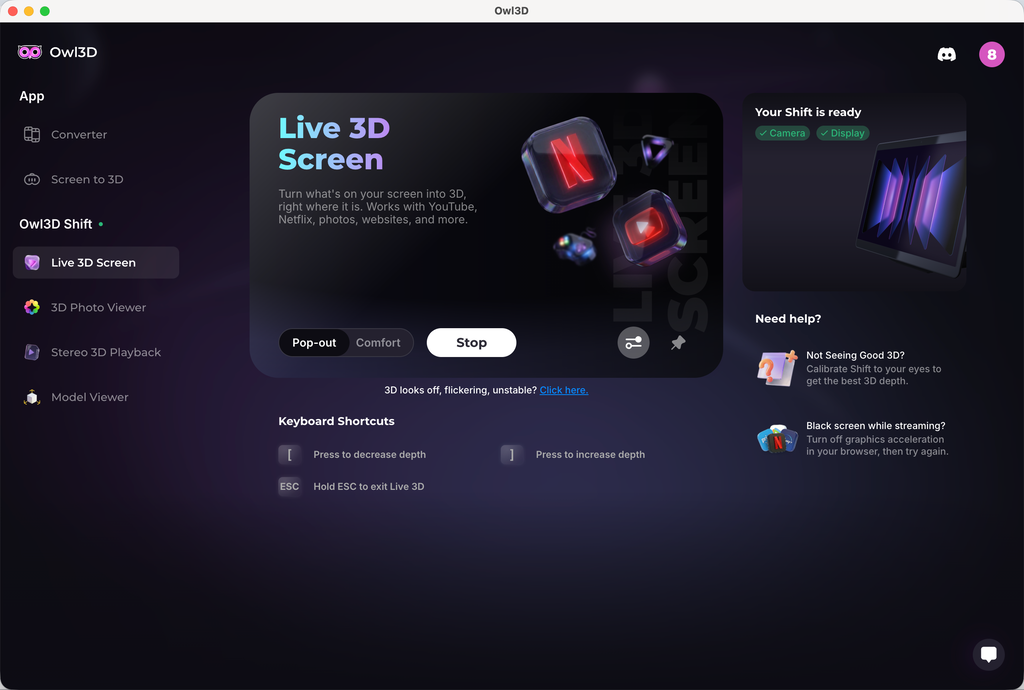
1、 2D 实时转3D 效果并不明显,设备参数如下:
Pop-out 模式
Adjust 3D:increase depth
2、 2D 转 3D 视频画面,物体有很明显的重影,观看的时候有眩晕的感觉
3、头轻轻移动的时候,屏幕有明显的闪动,类似黑影划过
The technology is unique and good. The realtime 2D to 3D conversion is great. It is what I usually use. My regret is I should have gotten a larger screen!
The only issue, that took a star from five to 4 is a shadow of right eye in the picture on the left, and vice versa.
The eye tracking was not so top. In the beginning, as more people came to look at it, and calibration was not done correctly, the was focusing problem. My side error, no star taken.
My live wallpapers is ignored.
After 32" monitor and XR glasses for 3d - the Owl shift 14" feels really small.
It's worth of it's price and I really like the soft. Thank you team for developing it. I was really "heartbroken" after GeForce 3DVision was discontinued.
Hi, thank you for the detailed feedback and your encouragement; it means a lot to us.
On the ghosting between eyes, some crosstalk comes from the lenticular optics themselves, but two things reduce it noticeably. Run the quick calibration from the 'Not seeing good 3D?' prompt in Live 3D, and try Comfort mode. Pop-out pushes more depth and shows more halo as a tradeoff.
If you have any further feedback or other suggestions, we appreciate you sharing them with `support@owl3d.com`. Thank you!
I liked it
Live 3d not good for movies and converting comics via comic read is hit or miss. Even self converting to sbs images does not converge. If you know of a better image sbs read that will convert my own sbs comic conversion, let me know.
Hi! Thank you very much for leaving us feedback. Sorry that your initial experience wasn't as smooth.
For the SBS conversion issue you mentioned in Stereo 3D Playback, set the format to Side-by-side instead of Auto. Auto can miss some SBS stills, and forcing Side-by-side has resolved this for other owners.
A convergence slider for SBS content and a built-in SBS photo and video player are both on our roadmap, so you won't need a third-party viewer for your conversions. For movies, 3D strength and convergence controls are coming to Live 3D so you can tune the effect yourself.
We appreciate your further feedback, and our engineer might contact you by email to learn more details about your experience. Thank you!
3D is awesome. Very little setup, it just works. This feels like the future, no glasses just a screen that looks like you are in the room or if it’s an old family video upscaled or hi resolution you feel like you have just time traveled! If you have a decent GPU or a newer MAC highly recommended!
The display is nice, but the image is not as clear as I hoped - There are vertical lines visible even from a comfortable viewing distance, it feels like looking at a lenticular print. Also - I wish the 3D viewer for native 3D would have more options for viewing formats - mainly full width SBS and cross view images, this way I could easily brose the web and see 3D images in these formats without resorting to download and view on an app like stereo photo maker to resolve the image to the correct format.
I received it two days ago; the screen is better than I expected, and it was worth the long wait.
I just received my Owl3D Shift and I haven't tried all it's options yet. But the live stream 3-D for YouTube videos works extremely well, I think. A great new product for the 3-D community.
waiting for more Mac compatability
3d effect is overall good,but hallucination is sideffect we need to sovle it,then it would be perfect
Very well made device, video looks great and the effects are impressive.
超新穎的技術,期待後續更新,很喜歡,感覺來到新時代的感覺!
Amazing product
I really was impressed with how 3D the image was. And how crystal Clara was? I do unfortunately have an issue with it. Right now, where the driver for the camera is not working correctly. I have contacted support and they're. It's supposed to be pushing out an update for the driver. That'll hopefully fix the issue. I also wish the shift had an actual power button. Because there's times I would like to just be able to turn the monitor off without having to unplug it.
For the most part, I really enjoyed it.
The 3D display isn't very stable, and the image gets distorted if you move your head.
Hi! Thank you very much for leaving us feedback. Sorry that your initial experience wasn't as smooth. The stability issue related to head movement you mentioned has been fixed in our latest 2.3.0 software. Could you give it a try and let us know if the experience has improved? You can download the latest version on our website at www.owl3d.com/shift.
Looking forward to hearing your thoughts on the new version!
Cheers,
Leon
Works very Fine, as expected. My expectation, that the Shift needs only one USB-connection, was Not realized.
Shiftの実力
第三者によるレビュー
“これまで裸眼3Dディスプレイで見てきた中でも、とびきりクールなもののひとつです。”
Josh3Dによるフルレビュー
Shiftの体験デモ
高度なAI。先進の光学技術。ひとつに。
VRゴーグルなしで一瞬にして没入できるのは魔法のようですが、純粋にエンジニアリングの成果です。実績あるAIソフトウェアと精密な光学技術を組み合わせ、なめらかで忠実度の高い3D体験を実現しました。
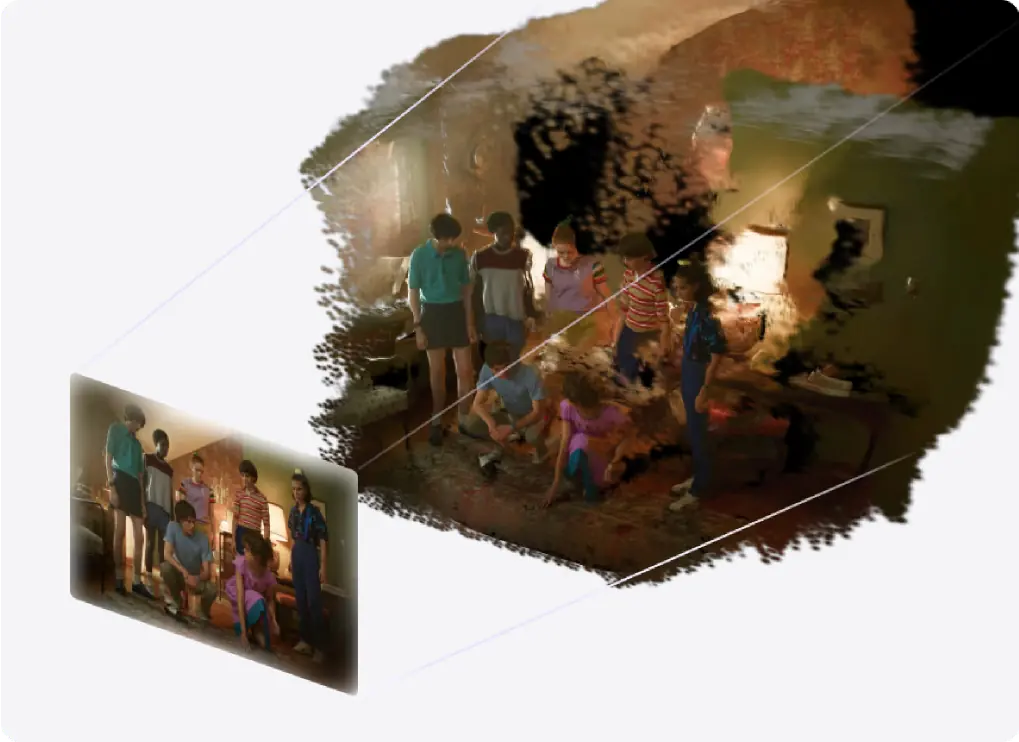
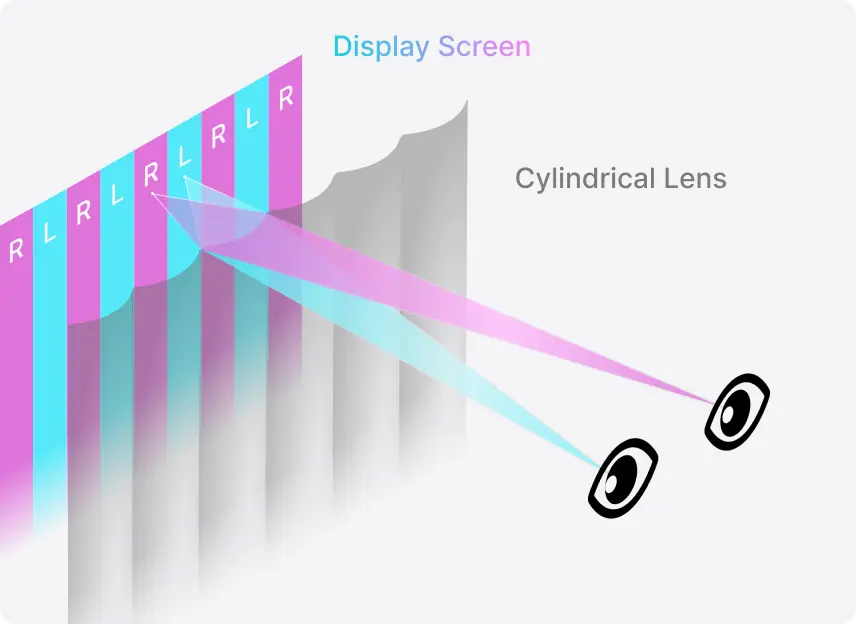
自由に動いて。3Dのスイートスポットが、ついてきます。
視聴ゾーンが目を追いかけます
椅子の上で姿勢を変えても、アイトラッキングが3Dの視聴ゾーンを動かします。
45〜100cmの距離で使えます
顔を近づけて細部を確かめても、ゆったり座って眺めても、この範囲のどこでも3D効果が保たれます。
本体と接続


本体
ディスプレイ
3D

映像
電源
オーディオ
カメラ
よくある質問
Shiftを使うには何が必要ですか?
2Dから3Dへのリアルタイム変換には、NVIDIA RTX 30シリーズ以上、またはAppleシリコンM1 Pro以上が必要です。すでに3Dになっているファイルの再生なら、必要なスペックはもっと低く、NVIDIA GTX 1650またはAMD Radeon RX 570以上で動作します。ShiftはMini-HDMI 2.0またはUSB-C(DP Altモード)で接続します。
Shiftを使うのにサブスクリプションは必要ですか?
いいえ。Shiftの主要機能は無制限で、サブスクリプションは必要ありません。2Dから3Dへのリアルタイム変換、3D Photo Viewer、Model Viewer、Stereo 3D Playbackがこれにあたります。いずれも無料のOwl3Dアプリで動作します。
専用の3Dコンテンツは必要ですか?
いいえ。通常の2Dの動画、写真、アプリのウィンドウが、再生しながらそのまま変換されます。事前の準備はいりません。お手持ちの3DファイルもShiftで再生できます。Half-SBSとTop-Bottomはそのまま、Full-SBSはメディアプレーヤーの画面比率を16:9に設定してください。
Netflixなどの配信サービスでも使えますか?
はい。ただし、設定がひとつ必要です。Netflixでは、ブラウザのハードウェアアクセラレーションをオフにしてください。YouTubeとローカルの動画ファイルは、そのままで使えます。
複数人で同時に見られますか?
Shiftは一人用のディスプレイです。アイトラッキングは一人の目を追いかけ、3Dが正しく見えるのはその人だけです。複数の顔が映っているときは、Shiftが追いかける相手をスムーズに切り替えるので、ほかの人に見てもらうのは簡単です。ただし、テレビのように大勢で一緒に見る画面ではありません。
注文した商品はいつ発送されますか?
ご購入から14営業日以内に発送します。カードへのご請求は、ご注文確定時に行われます。
保証と返品について教えてください。
すべてのShiftに1年間の保証が付いています。返品は商品到着後14日以内に受け付けています。米国内への配送は送料無料です。