

Owl3D Shift


Owl3D Shift
一台擺在主螢幕旁的裸視 3D 螢幕。把任何影片、照片或應用程式視窗拖曳上去,畫面一邊播放一邊變成 3D,不需要頭戴裝置,也不用戴眼鏡。

Kickstarter「Project We Love」
自 2026 年 8 月起持續出貨
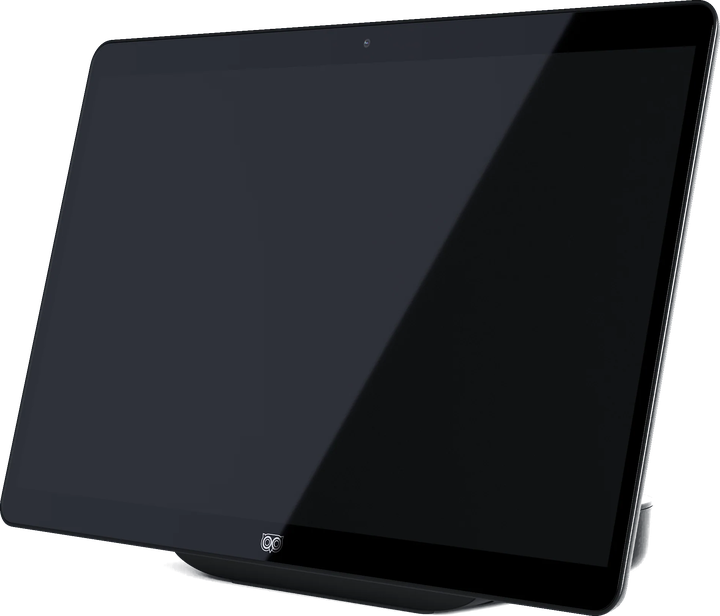
即時 3D 需要 NVIDIA RTX 30 系列以上顯示卡,或 Apple Silicon M1 Pro 以上晶片。
內容物
Owl3D Shift 顯示器,以及可免費、無限制使用的 Owl3D App 核心功能。
盒內附有快速入門指南,帶你完成設定。
- 1 條 Mini-HDMI 對 HDMI 連接線
- 2 條 USB-C 視訊/電源連接線(支援 DP Alt Mode)
- 1 個 USB-C 電源轉接器
- 1 個 USB-A 對 USB-C 轉接頭
每一支影片,現在都是 3D。
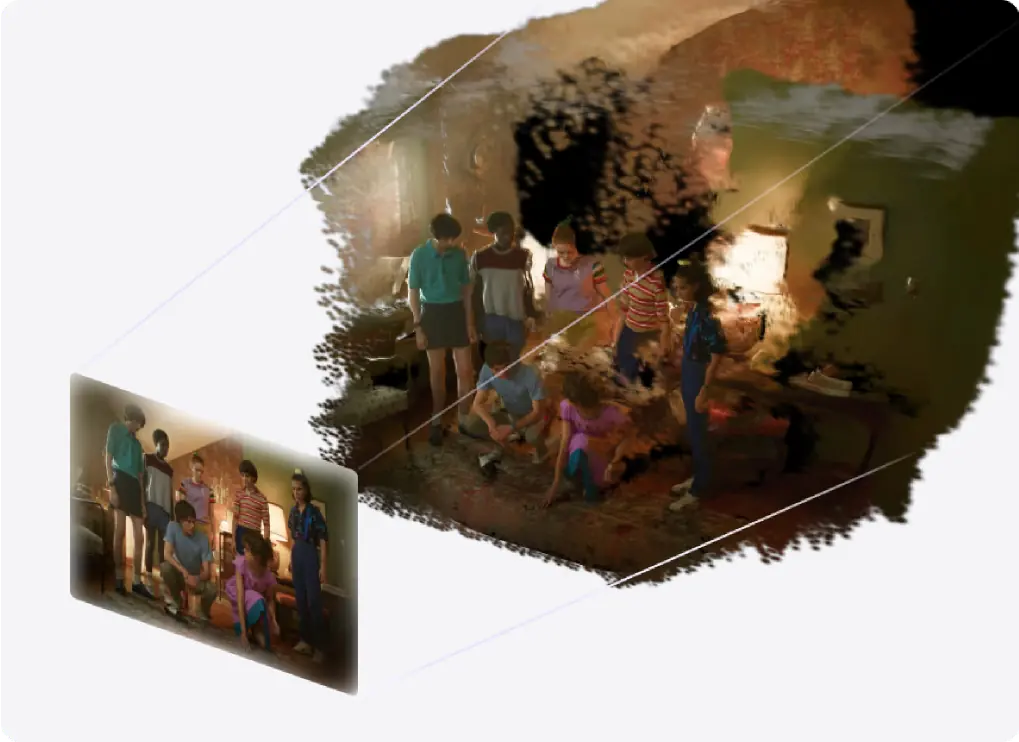
把影片視窗拖曳到 Shift 上,就能以 3D 觀看。Owl3D App 會把 2D 內容即時轉成 3D,不管是 YouTube 串流、Netflix 節目還是本機檔案。不必預先處理,也不用等待。
你平常看的內容都能用
串流、本機影片、任何瀏覽器視窗。
邊播邊即時轉換
不必先轉檔,也不用匯出。
在本機執行
AI 用你自己的 GPU 處理螢幕畫面。
從影像到全像投影。
Shift 的 3D Photo Viewer(3D 照片檢視器)會把平面影像呈現為有體積感的場景:你自己的照片、動漫插畫、電影海報、旅遊照片。
任何影像都能用
照片、藝術作品、海報、螢幕截圖。
視角跟著你的頭移動
可以繞著主體看,也可以湊近看細節。
畫面紮實,不見像素顆粒
315 PPI 的面板,讓影像近看依然細緻。
讓想像力揮灑的立體畫布。
Shift 的 Model Viewer(模型檢視器)會以逼真的體積感、準確的比例和自然的立體感呈現你的模型。你看到的是物件本身,而不是它的平面算圖。
可開啟 glTF 與 3MF
支援 PBR 材質與動畫播放。
旋轉與檢視
轉動模型,從每個角度檢查。
真實的尺度感
檢視產品設計、藝術作品與空間概念。
播放你已經擁有的 3D 檔案。
用你平常的播放器打開 3D 電影、照片和影片,在 Owl3D App 裡開啟 Stereo 3D Playback,Shift 就會以裸視 3D 呈現。
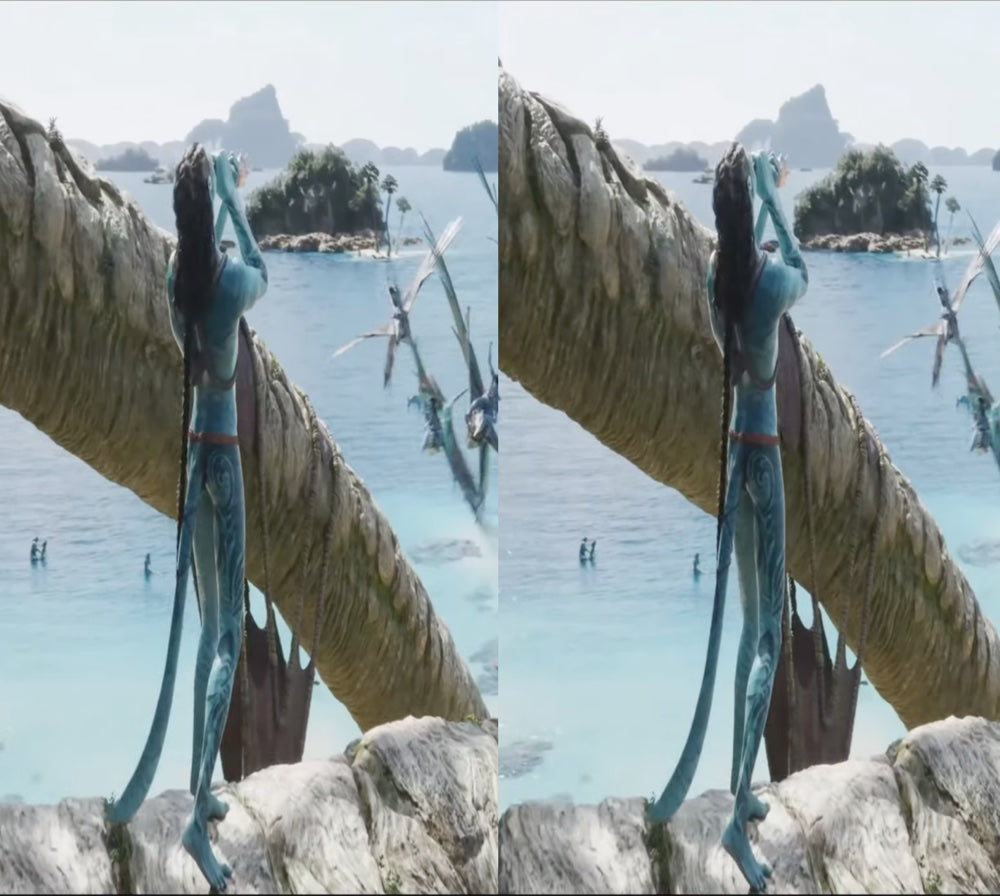
Full-SBS、Half-SBS、Top-Bottom
你已經擁有的 3D 檔案。Full-SBS 只要把播放器的畫面比例設為 16:9。
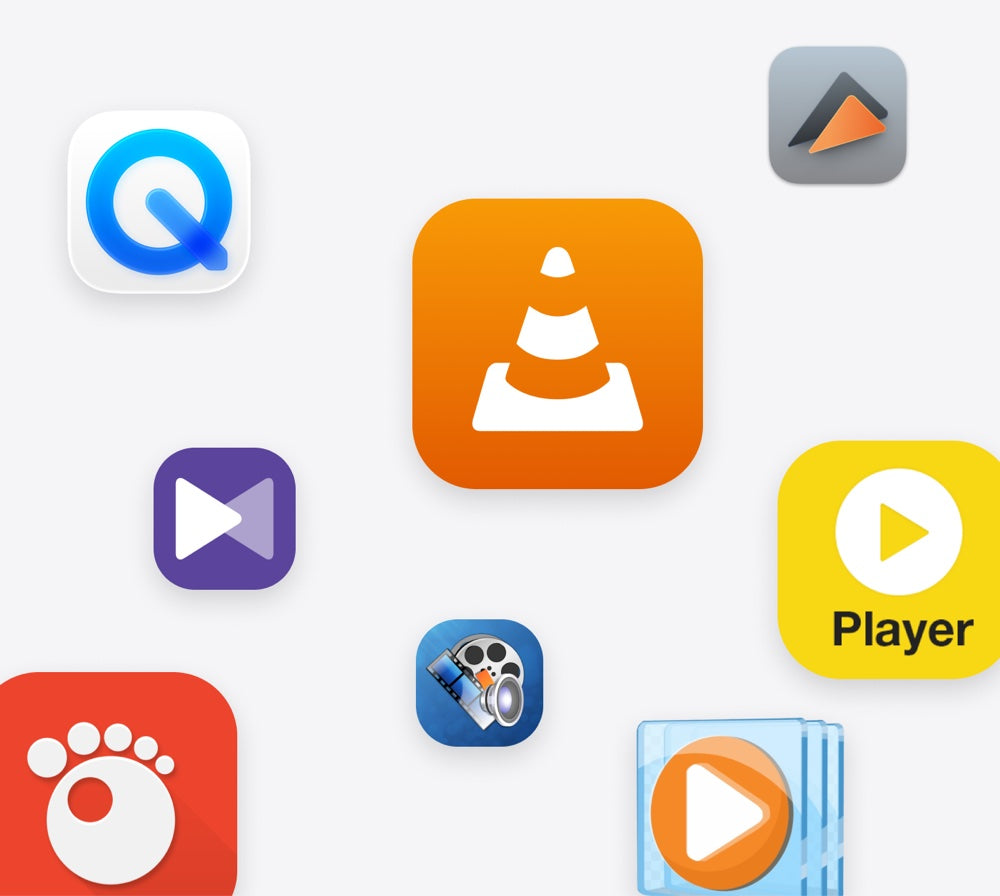
用你自己的播放器
開啟 Stereo 3D Playback,按下播放就好。

原生 3D 可在更多電腦上執行
GTX 1650 或 Radeon RX 570 以上。
顧客評價
I started discovering the 3D stereoscopic world about 35 years ago(!). I took VR classes at university, bought 3D cameras, created a VR Youtube channel, etc. Discovering, at first, Owl3D´s desktop app was a revolution! Now, having bought and used the Owld3D Shift ...I´m at a loss for words. A dream made reality! THANK YOU Owl3D team!!!
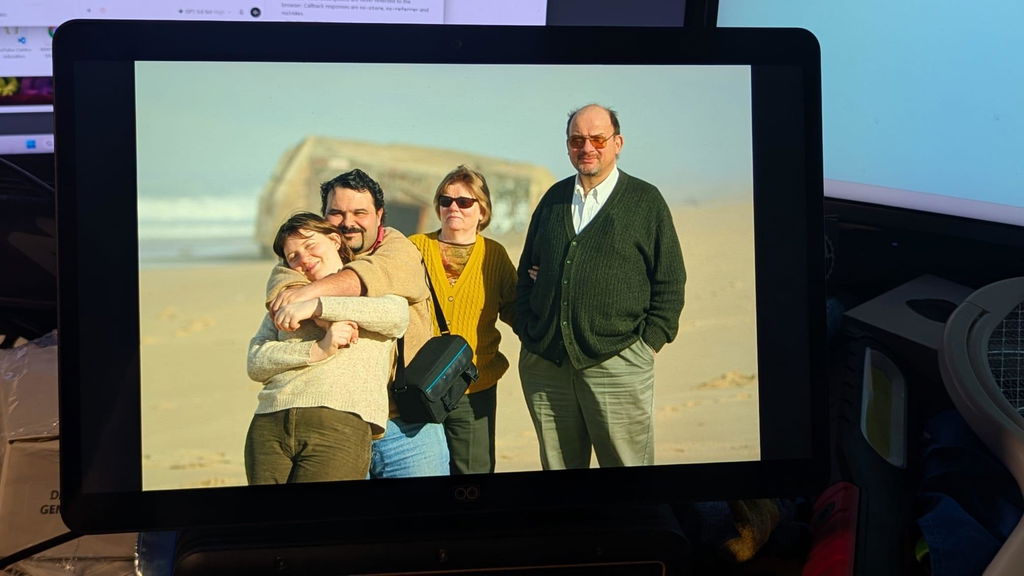
Super cool product! The 3D effect is awesome; though a little hard on the eyes at times. The live 3D is also very impressive for just releasing. I cannot wait to see how it improves with updates!
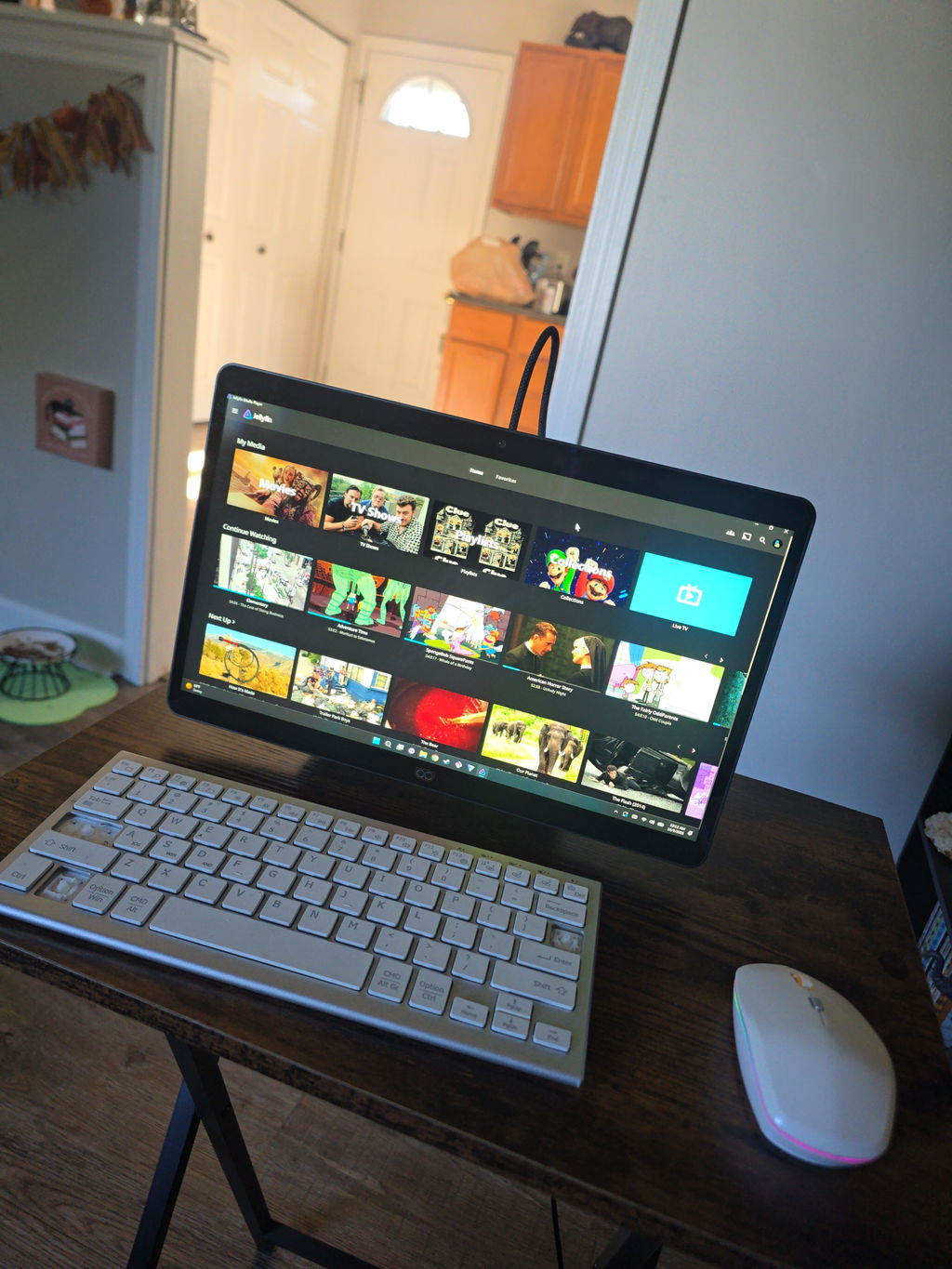
I have been an enthusiastic 3D user since 2012 and have spent many years exploring different 3D technologies, displays, projectors, and software solutions.
After spending several days testing Shift and comparing it with other 3D systems that I use regularly, I can say that Shift has a lot of potential and offers some very unique strengths.
The biggest strength of Shift, in my opinion, is the Shift Screen application. It is currently the feature that impresses me the most and demonstrates the potential of the platform extremely well. Being able to convert almost any content into a convincing 3D experience is a very powerful capability.
Another pleasant surprise was the quality of the 2D-to-3D video conversion. Compared to other solutions I have tested, the 3D image on Shift often appears calmer, more stable, and less flickery. This makes watching videos more comfortable for longer periods of time.
I was also very impressed by Skyrim. The 3D effect looks excellent and the game works very well with Shift. This demonstrates that the platform can deliver a high-quality gaming experience when a title is well supported.
As a long-time 3D enthusiast, one aspect is especially important to me. Thanks to Owl3D and the live screen conversion capabilities, I can watch movies, TV series, nature documentaries, travel reports, and AI-generated videos in real 3D on my XGIMI Titan Noir Max home cinema setup. This is something I greatly appreciate.
While the image on Shift is somewhat sharper due to the display size and resolution, the huge image of a projector creates a fascinating level of immersion. Nature documentaries, travel videos, and AI-generated content can feel very similar to a real 3D cinema experience. In this respect, Shift and Owl3D have significantly enhanced my home cinema experience.
At the moment, I think there is still room for improvement in areas such as software maturity, SBS video playback stability, mouse cursor handling, and support for some modern games. However, I see these mainly as software-related challenges that can continue to improve through future updates.
Overall, I am happy to continue following the development of Shift and Owl3D. I believe the platform already offers a unique and enjoyable 3D experience, especially for video content, desktop 3D conversion, home cinema applications, and selected games.
Thank you for your work and for continuing to develop this technology.
Best regards,
Peter
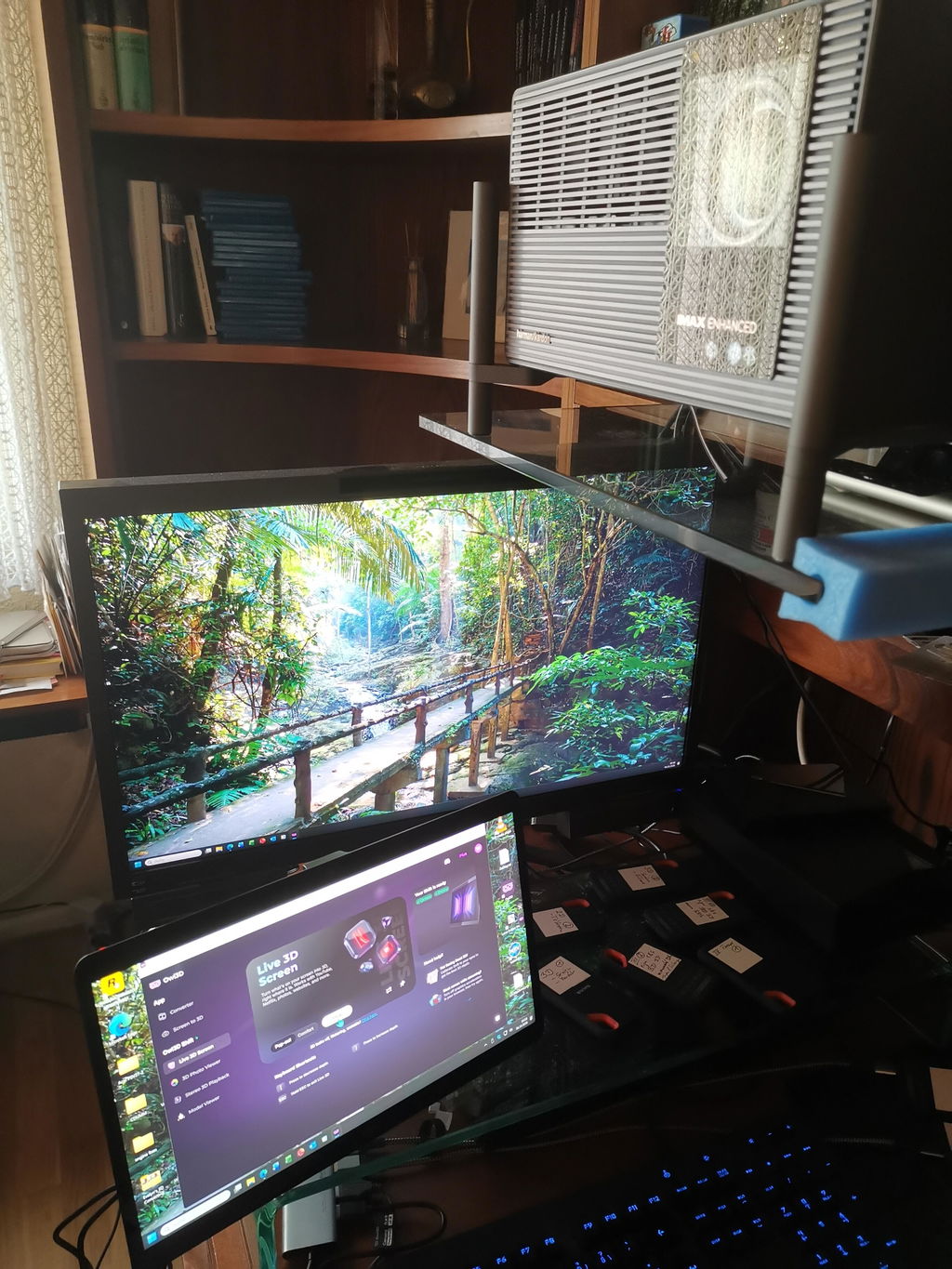
使用体验:
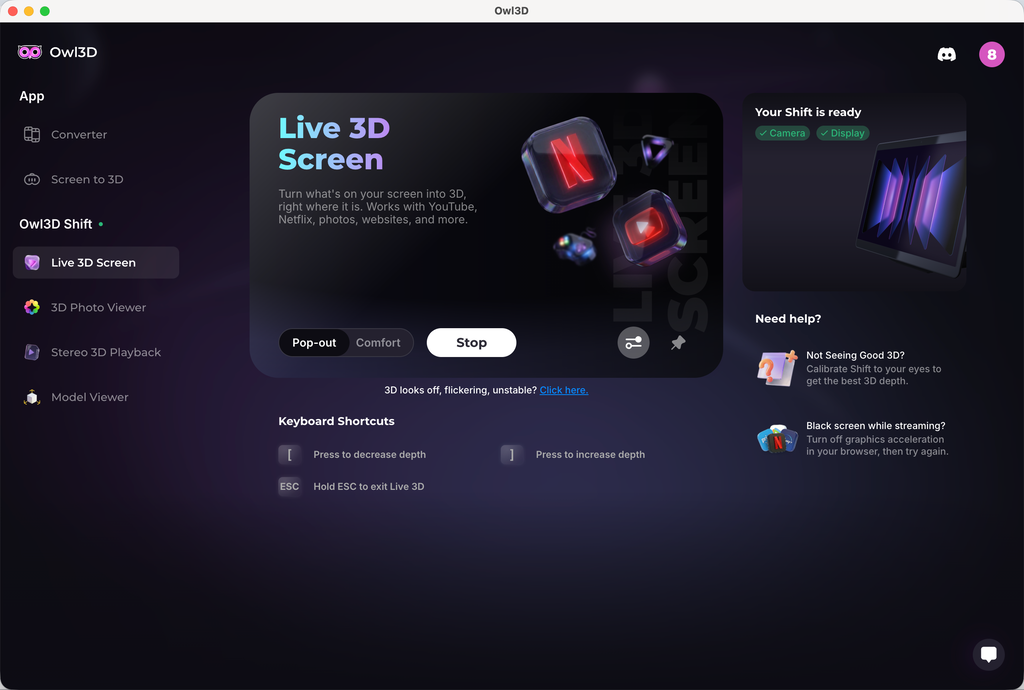
1、 2D 实时转3D 效果并不明显,设备参数如下:
Pop-out 模式
Adjust 3D:increase depth
2、 2D 转 3D 视频画面,物体有很明显的重影,观看的时候有眩晕的感觉
3、头轻轻移动的时候,屏幕有明显的闪动,类似黑影划过
The technology is unique and good. The realtime 2D to 3D conversion is great. It is what I usually use. My regret is I should have gotten a larger screen!
The only issue, that took a star from five to 4 is a shadow of right eye in the picture on the left, and vice versa.
The eye tracking was not so top. In the beginning, as more people came to look at it, and calibration was not done correctly, the was focusing problem. My side error, no star taken.
My live wallpapers is ignored.
After 32" monitor and XR glasses for 3d - the Owl shift 14" feels really small.
It's worth of it's price and I really like the soft. Thank you team for developing it. I was really "heartbroken" after GeForce 3DVision was discontinued.
Hi, thank you for the detailed feedback and your encouragement; it means a lot to us.
On the ghosting between eyes, some crosstalk comes from the lenticular optics themselves, but two things reduce it noticeably. Run the quick calibration from the 'Not seeing good 3D?' prompt in Live 3D, and try Comfort mode. Pop-out pushes more depth and shows more halo as a tradeoff.
If you have any further feedback or other suggestions, we appreciate you sharing them with `support@owl3d.com`. Thank you!
I liked it
Live 3d not good for movies and converting comics via comic read is hit or miss. Even self converting to sbs images does not converge. If you know of a better image sbs read that will convert my own sbs comic conversion, let me know.
Hi! Thank you very much for leaving us feedback. Sorry that your initial experience wasn't as smooth.
For the SBS conversion issue you mentioned in Stereo 3D Playback, set the format to Side-by-side instead of Auto. Auto can miss some SBS stills, and forcing Side-by-side has resolved this for other owners.
A convergence slider for SBS content and a built-in SBS photo and video player are both on our roadmap, so you won't need a third-party viewer for your conversions. For movies, 3D strength and convergence controls are coming to Live 3D so you can tune the effect yourself.
We appreciate your further feedback, and our engineer might contact you by email to learn more details about your experience. Thank you!
3D is awesome. Very little setup, it just works. This feels like the future, no glasses just a screen that looks like you are in the room or if it’s an old family video upscaled or hi resolution you feel like you have just time traveled! If you have a decent GPU or a newer MAC highly recommended!
The display is nice, but the image is not as clear as I hoped - There are vertical lines visible even from a comfortable viewing distance, it feels like looking at a lenticular print. Also - I wish the 3D viewer for native 3D would have more options for viewing formats - mainly full width SBS and cross view images, this way I could easily brose the web and see 3D images in these formats without resorting to download and view on an app like stereo photo maker to resolve the image to the correct format.
I received it two days ago; the screen is better than I expected, and it was worth the long wait.
I just received my Owl3D Shift and I haven't tried all it's options yet. But the live stream 3-D for YouTube videos works extremely well, I think. A great new product for the 3-D community.
waiting for more Mac compatability
3d effect is overall good,but hallucination is sideffect we need to sovle it,then it would be perfect
Very well made device, video looks great and the effects are impressive.
超新穎的技術,期待後續更新,很喜歡,感覺來到新時代的感覺!
Amazing product
I really was impressed with how 3D the image was. And how crystal Clara was? I do unfortunately have an issue with it. Right now, where the driver for the camera is not working correctly. I have contacted support and they're. It's supposed to be pushing out an update for the driver. That'll hopefully fix the issue. I also wish the shift had an actual power button. Because there's times I would like to just be able to turn the monitor off without having to unplug it.
For the most part, I really enjoyed it.
The 3D display isn't very stable, and the image gets distorted if you move your head.
Hi! Thank you very much for leaving us feedback. Sorry that your initial experience wasn't as smooth. The stability issue related to head movement you mentioned has been fixed in our latest 2.3.0 software. Could you give it a try and let us know if the experience has improved? You can download the latest version on our website at www.owl3d.com/shift.
Looking forward to hearing your thoughts on the new version!
Cheers,
Leon
Works very Fine, as expected. My expectation, that the Shift needs only one USB-connection, was Not realized.
Shift 實機展示
獨立評測
“這是我在裸視 3D 螢幕上看過最酷的東西之一。”

Josh3D 完整評測
Shift 體驗示範
深度 AI,先進光學。合而為一。
不戴頭戴裝置就能立刻沉浸其中,感覺像魔法,其實全是工程。我們把經過驗證的 AI 軟體與精密光學結合在一起,帶來流暢、高擬真的 3D 體驗。
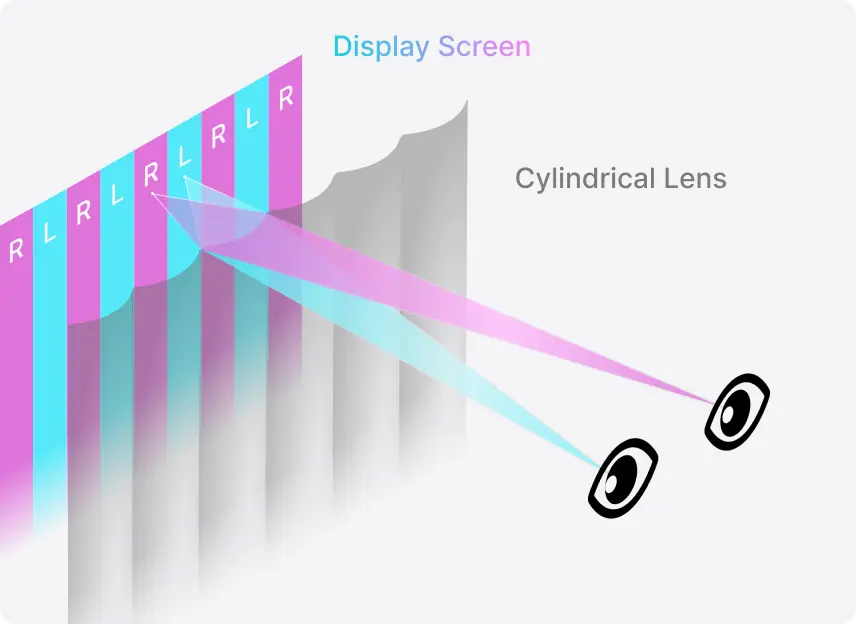
自在移動。3D 最佳觀看位置會跟著你。
可視區跟著你的雙眼
你在椅子上挪動時,眼球追蹤會帶著 3D 可視區一起移動。
18 吋到 39 吋的距離都能看
可以湊近看細節,也可以往後靠著欣賞,在整個範圍內(45–100 公分)3D 效果都不變。
裝置與連接


機身
顯示
3D

視訊
電源
音訊
攝影機
常見問題
使用 Shift 需要什麼配備?
即時 2D 轉 3D 需要 NVIDIA RTX 30 系列以上顯示卡,或 Apple Silicon M1 Pro 以上晶片。播放原本就是 3D 的檔案門檻較低,NVIDIA GTX 1650 或 AMD Radeon RX 570 以上即可。Shift 透過 Mini-HDMI 2.0 或 USB-C(DP Alt Mode)連接。
使用 Shift 需要訂閱嗎?
不需要。Shift 的核心功能可無限使用,也不需要訂閱:即時 2D 轉 3D、3D Photo Viewer、Model Viewer 以及 Stereo 3D Playback,全都在免費的 Owl3D App 裡執行。
需要特別準備 3D 內容嗎?
不需要。一般的 2D 影片、照片和應用程式視窗會在播放時即時轉換,不必事先準備。你已經擁有的 3D 檔案也能在 Shift 上播放:Half-SBS 與 Top-Bottom 直接播放,Full-SBS 只要把播放器的畫面比例設為 16:9。
可以搭配 Netflix 和其他串流服務使用嗎?
可以,但需要調整一項設定:看 Netflix 時必須關閉瀏覽器的硬體加速。YouTube 和本機影片檔則可直接使用。
可以多人同時觀看嗎?
Shift 是單人觀看的顯示器。眼球追蹤會跟著一個人的雙眼,只有這個人能看到正確的 3D。當鏡頭範圍內不只一張臉時,Shift 會在他們之間平順切換,所以要換人看很容易;不過它不像電視那樣,可以讓一群人一起看。
我的訂單什麼時候出貨?
訂單會在購買後 14 個工作天內出貨。結帳時即從你的卡片扣款。
保固和退貨政策的內容是什麼?
每一台 Shift 都有一年保固。商品送達後 14 天內可退貨。寄送至美國境內免運費。